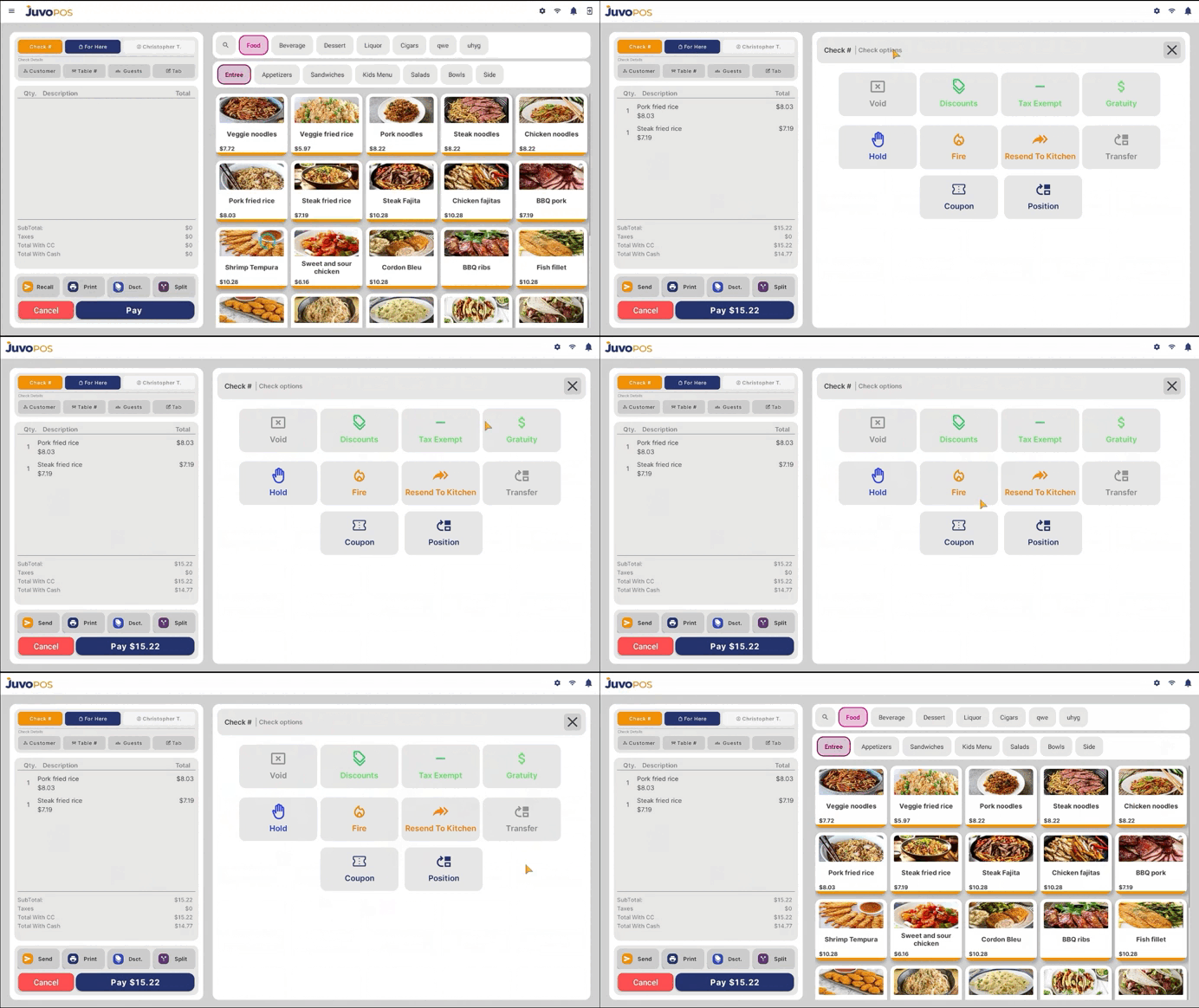
In this guide, we will learn how to access the available check management options in Juvo POS.
- Open a check and tap Check to access the available check options.
- Review the options displayed. Depending on your configuration and permissions, these may include:
- Void: Void the check when necessary.
- Discounts: Apply available discounts to the check.
- Tax Exempt: Apply a tax exemption when applicable.
- Additional Options: Access other available functions for managing the check.
These options allow you to manage checks efficiently, apply adjustments when needed, and handle different situations during the checkout process.
Juvo destinations
Need something else?
Access the Juvo Back Office or connect with our sales team.