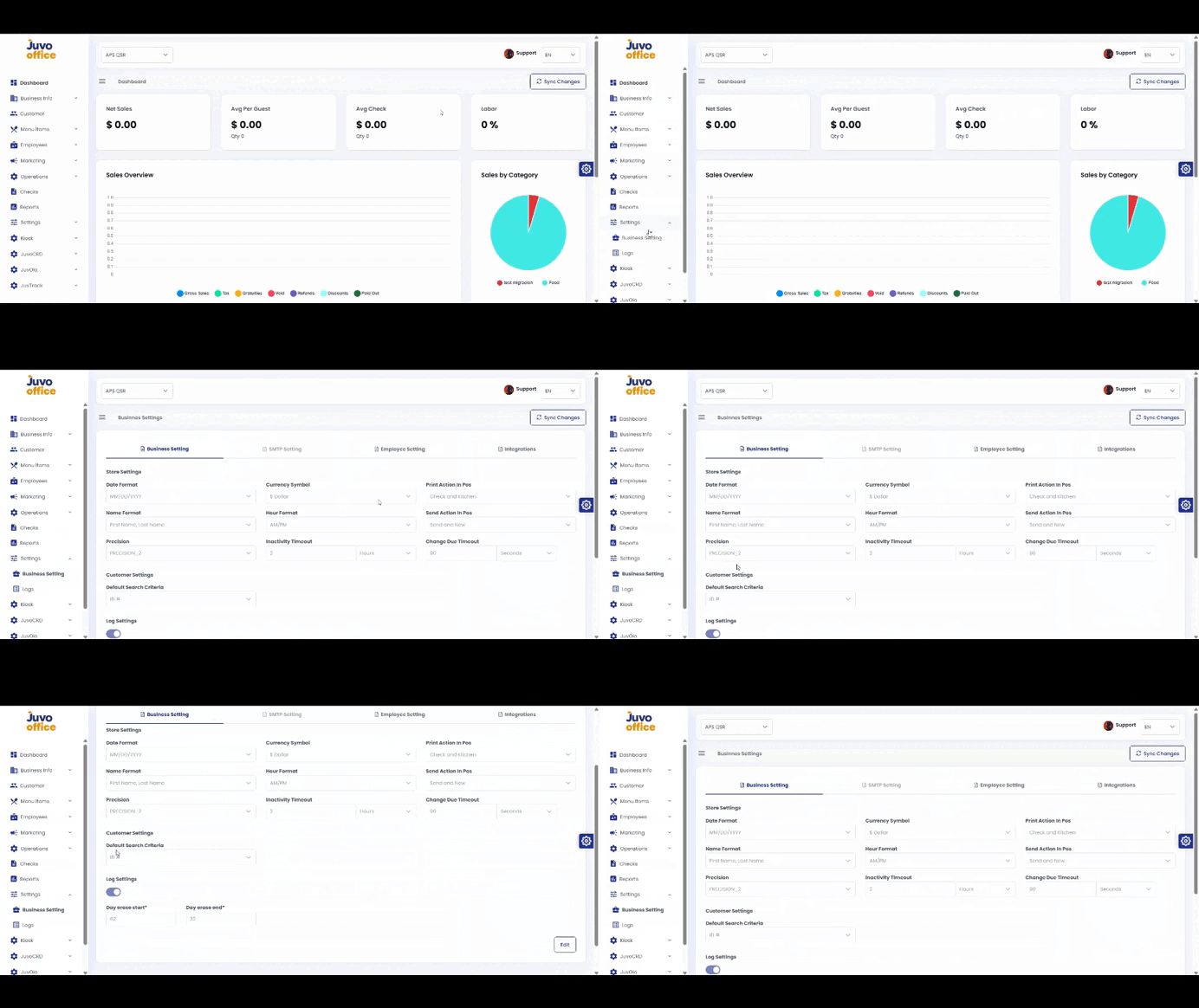
Configure business preferences in Juvo Back Office.
- Open Settings → Business Settings.
- Review Date Format, Currency, and other preferences.
- Update the settings according to store requirements.
- Review and click Save when available.
Juvo destinations
Need something else?
Access the Juvo Back Office or connect with our sales team.