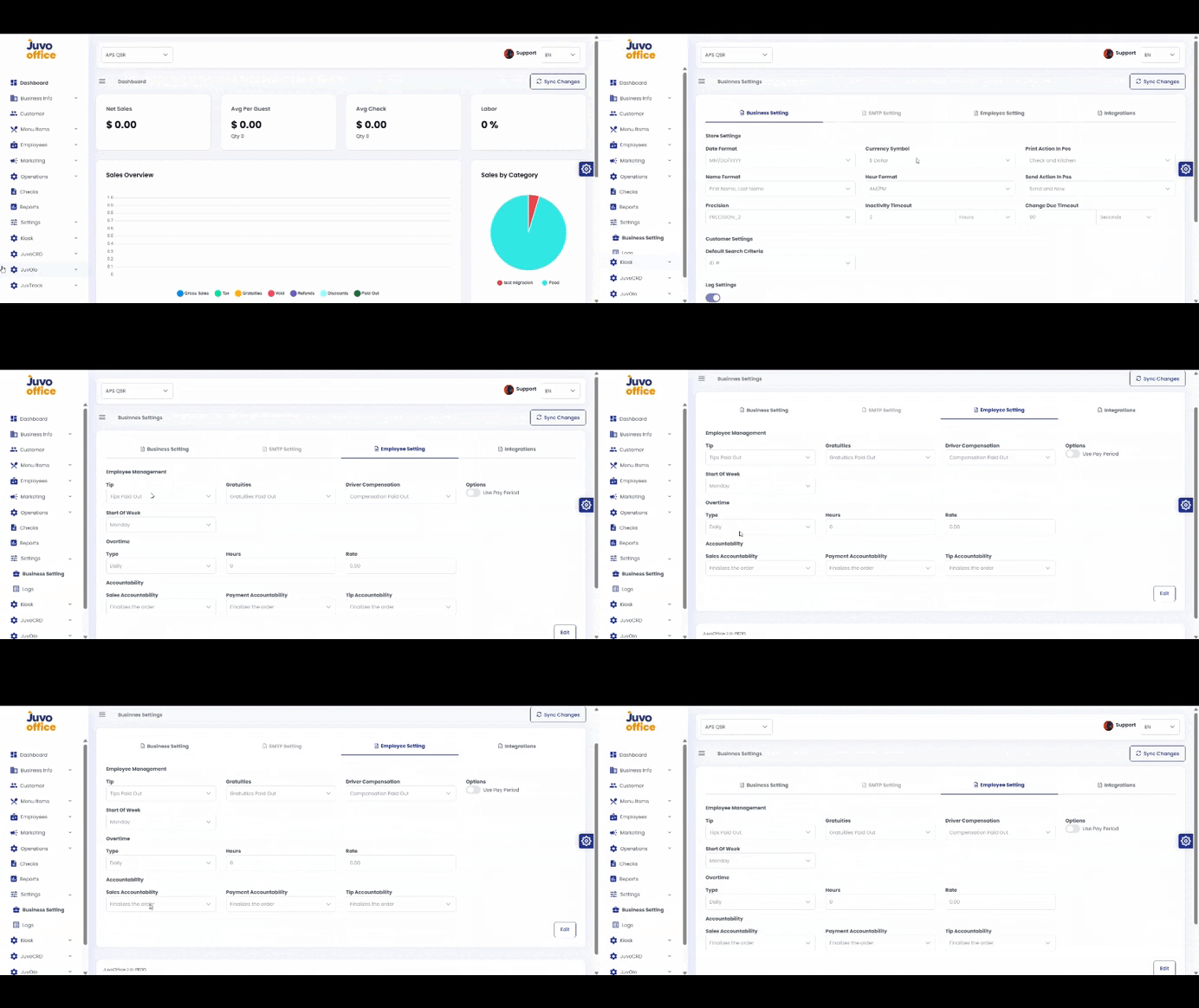
Configure employee-related preferences.
- Open Settings → Employee Settings.
- Review Tip Management, Compensation, Overtime, and other settings.
- Adjust the options according to store policies and requirements.
- Review and click Save when available.
Configure employee-related preferences.
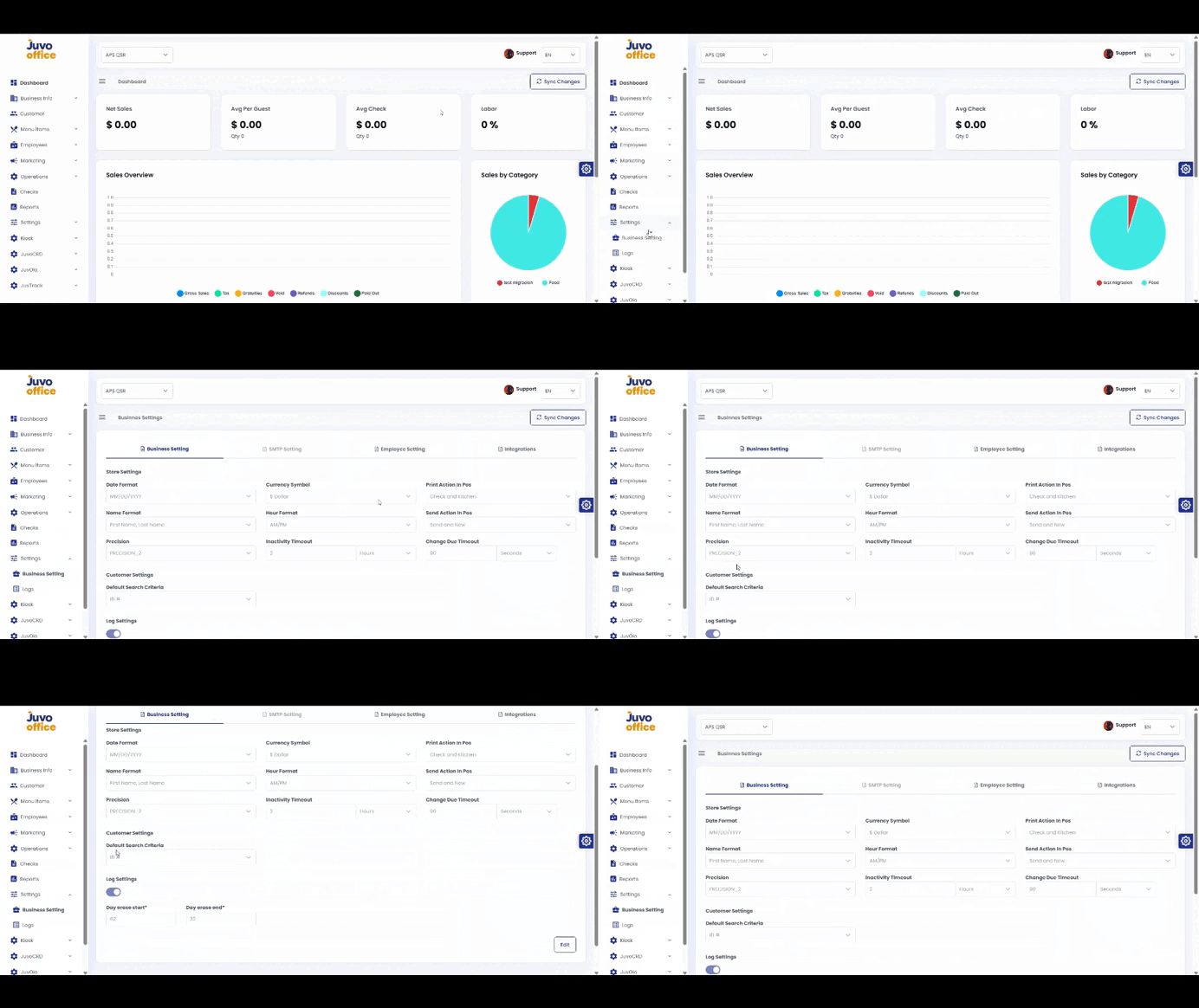
Configure business preferences in Juvo Back Office.
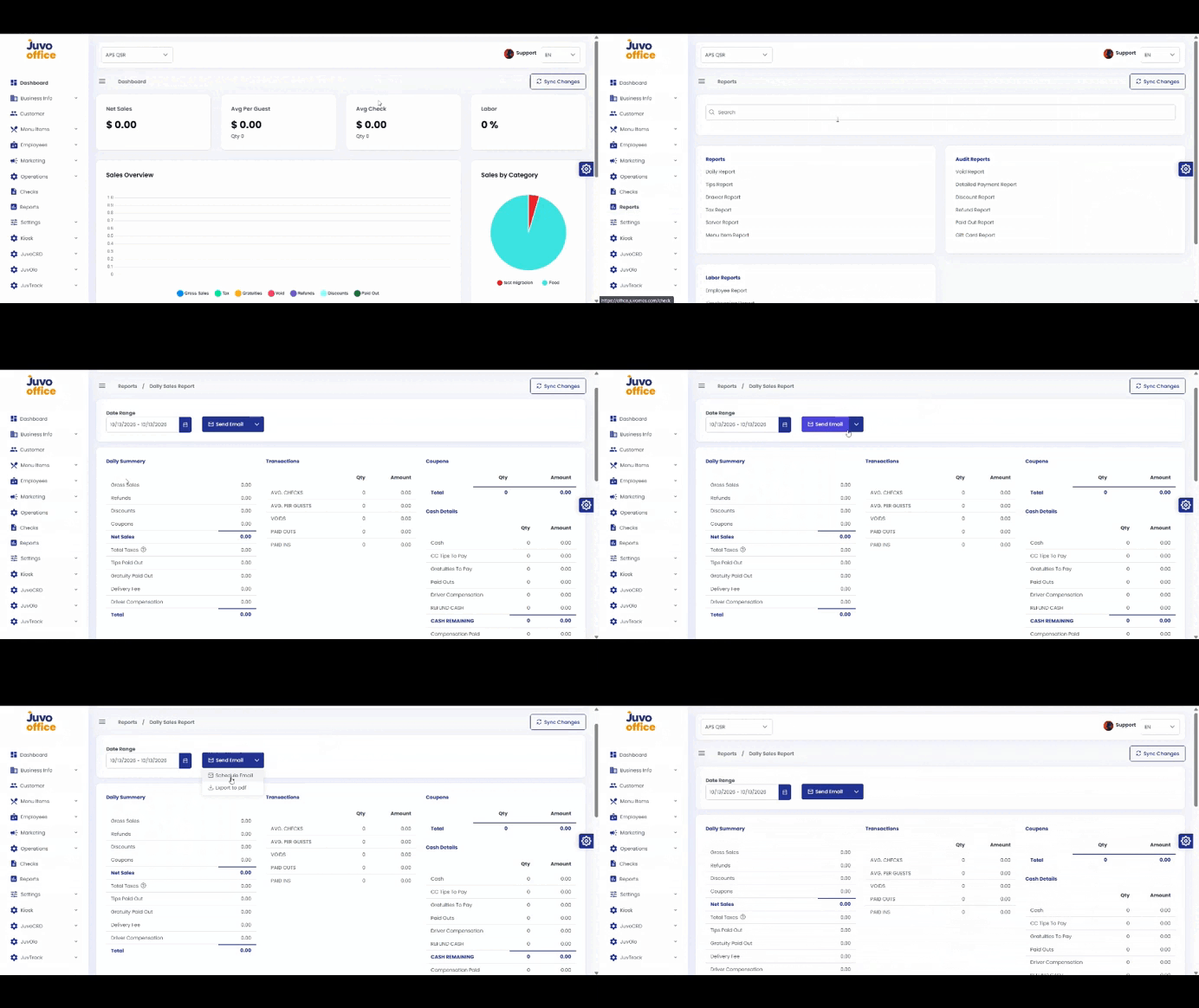
View, email, schedule, or download Back Office reports.
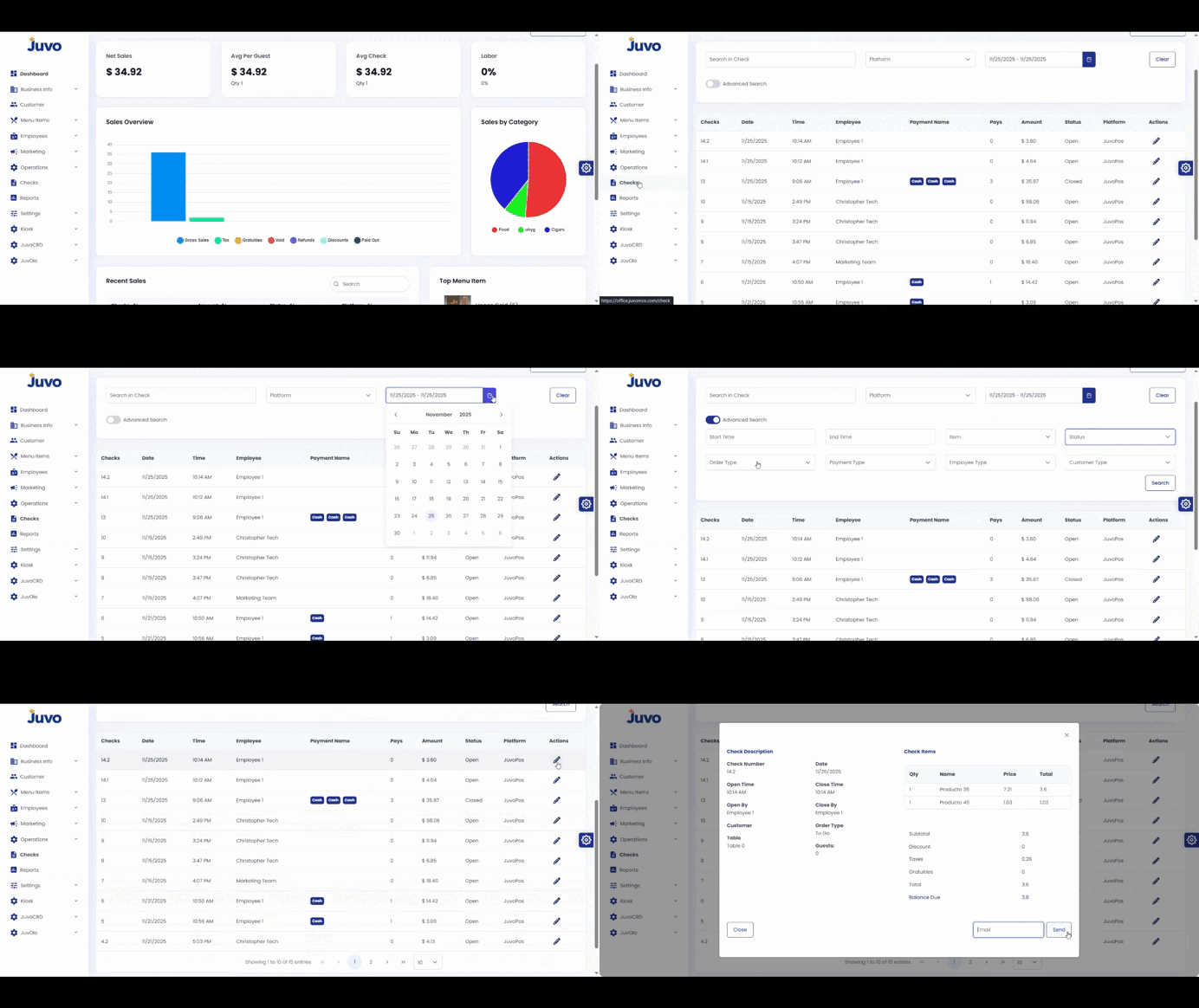
Search and review checks in Juvo Back Office.
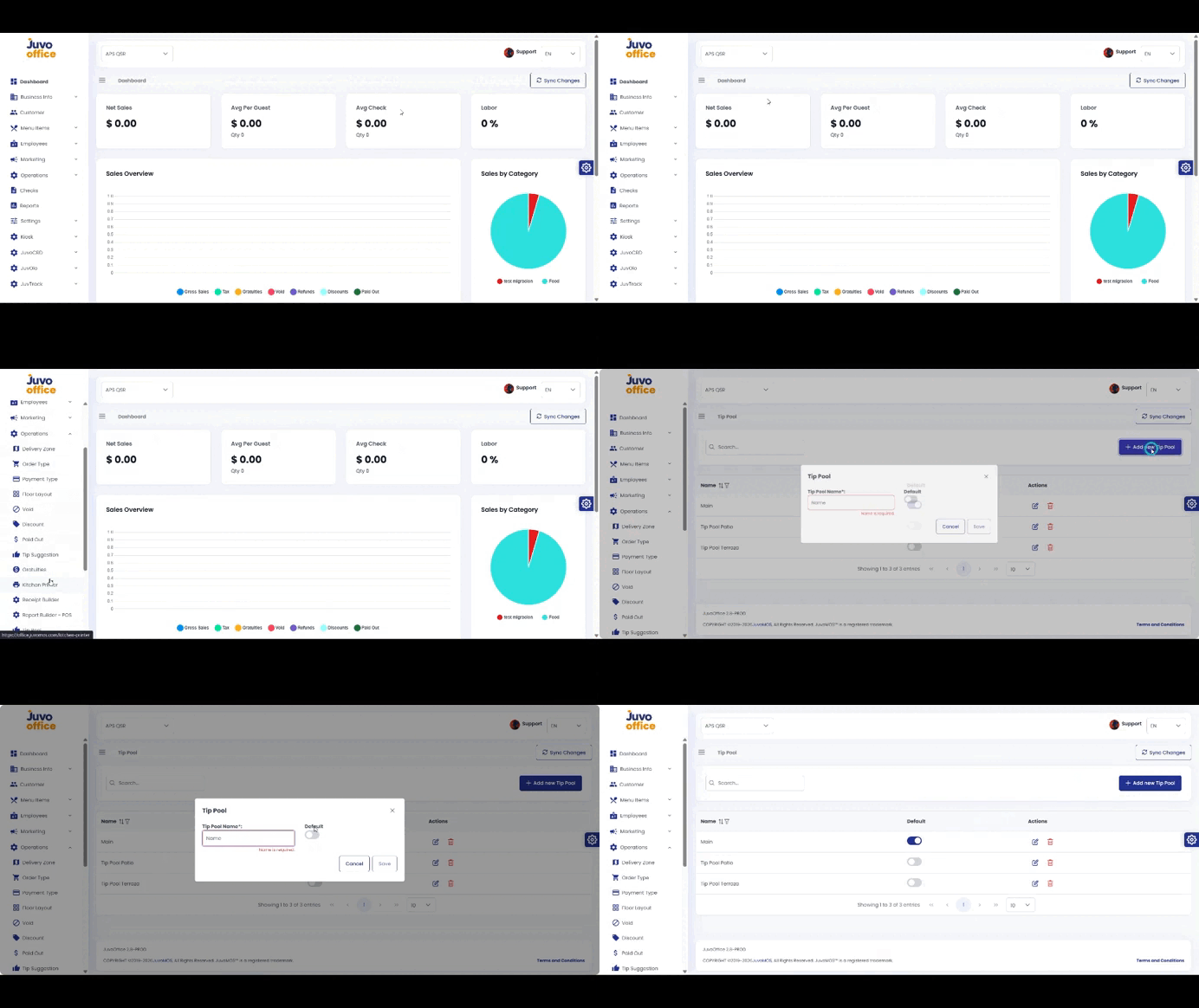
Create and configure a Tip Pool.
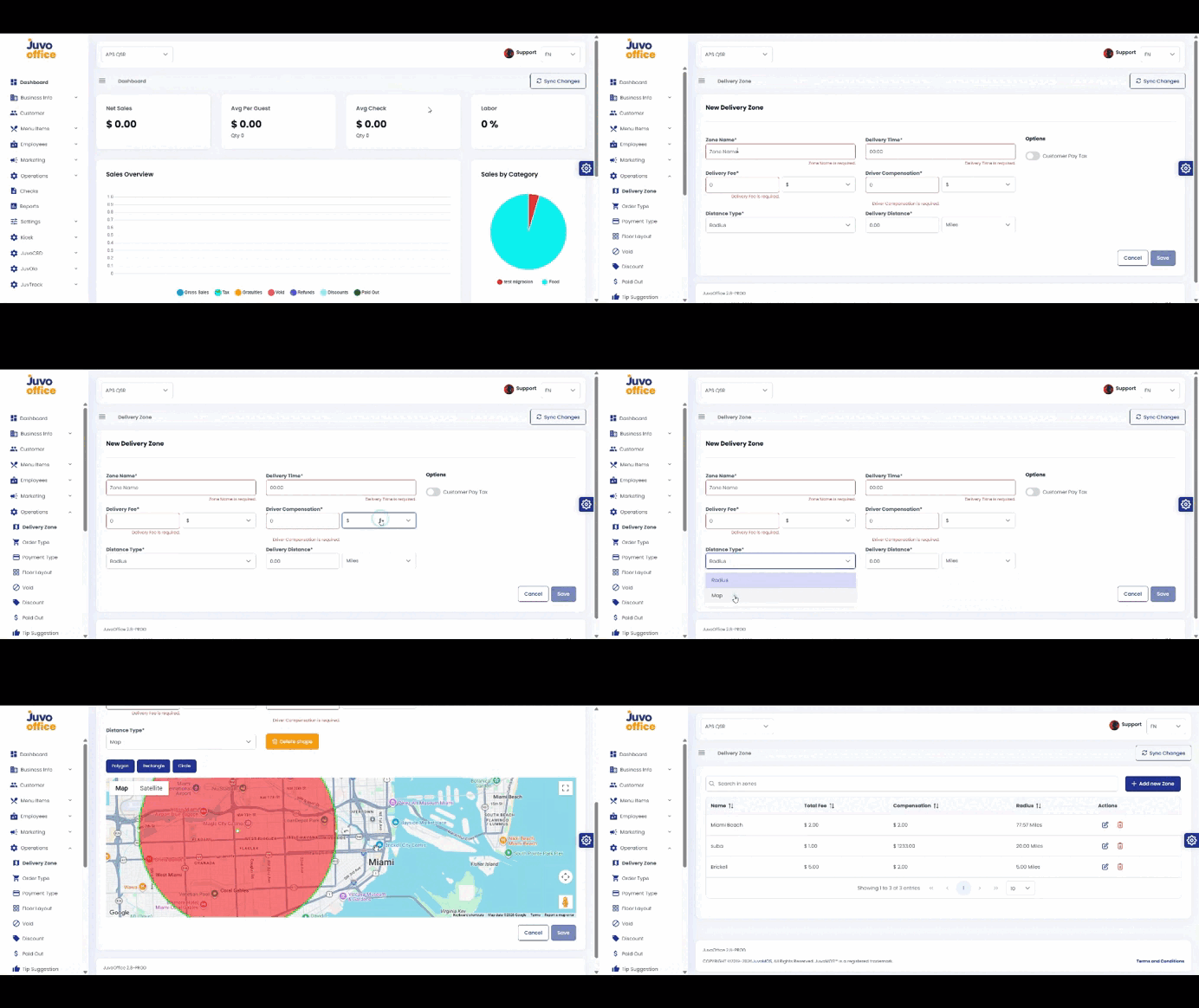
Configure delivery areas, fees, driver compensation, and estimated delivery times.
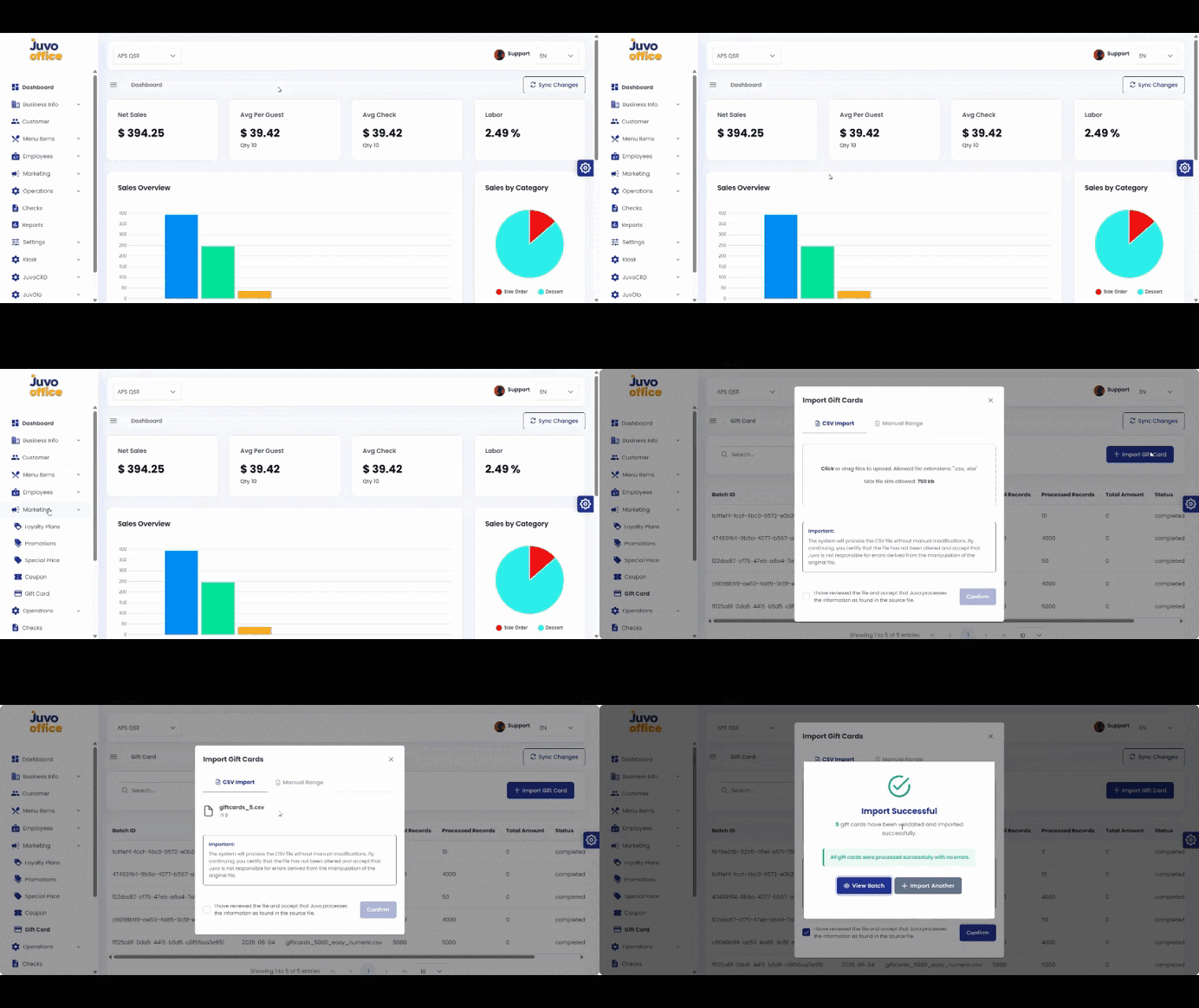
Upload gift card information using a CSV file.
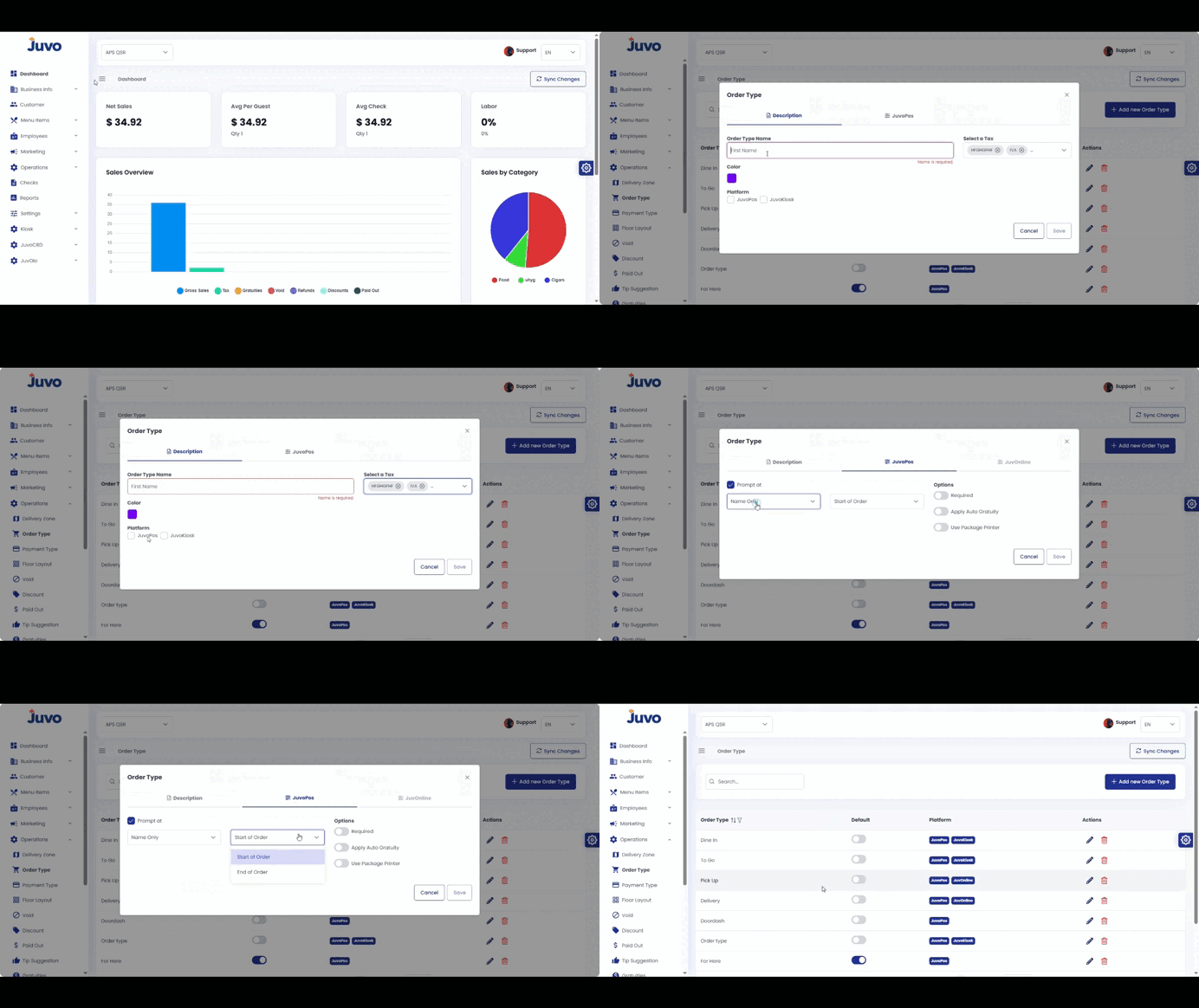
Create order types such as Dine In, Takeout, or Delivery.
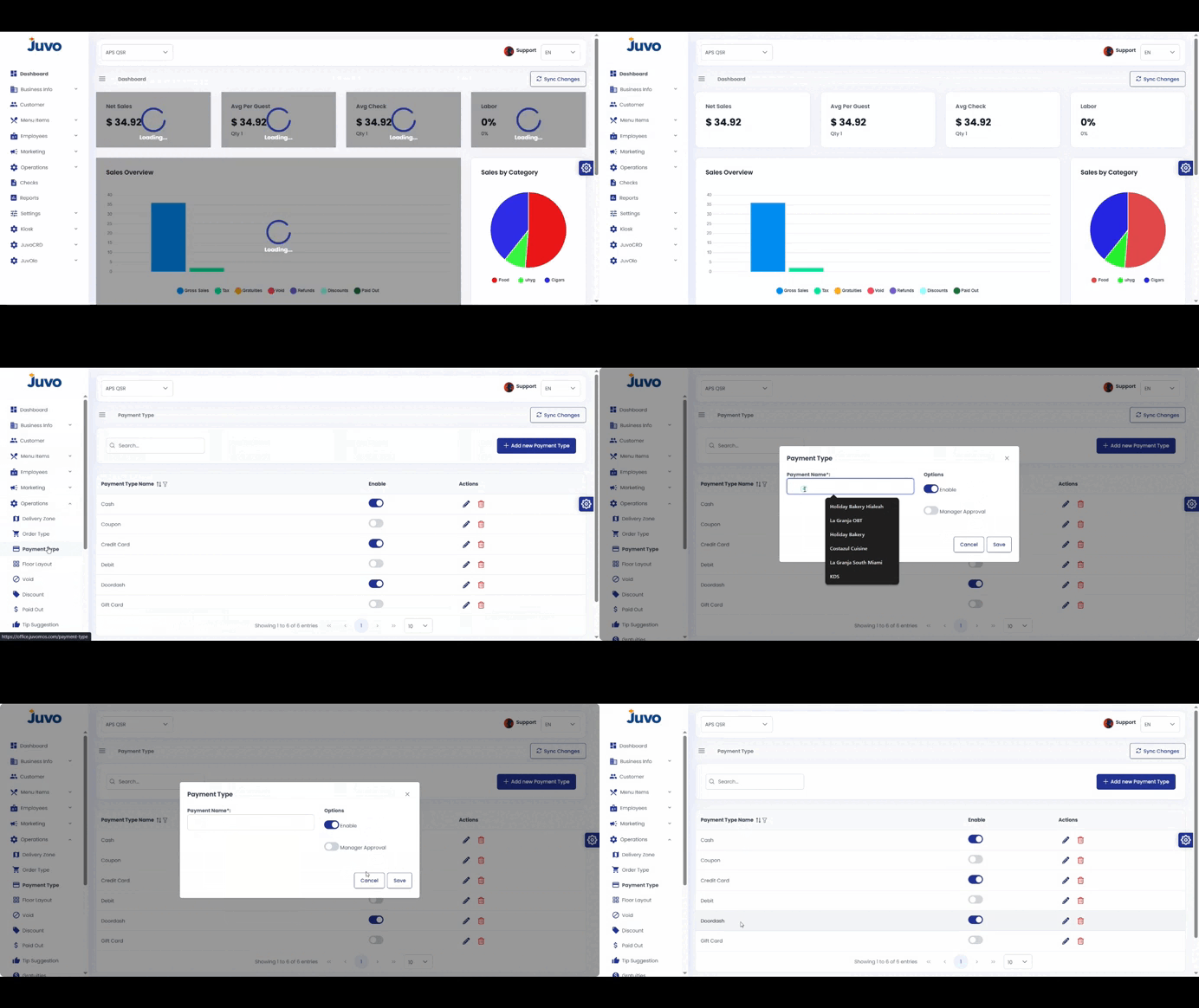
Configure payment methods available in the POS.
Enable Positions for a specific order type.