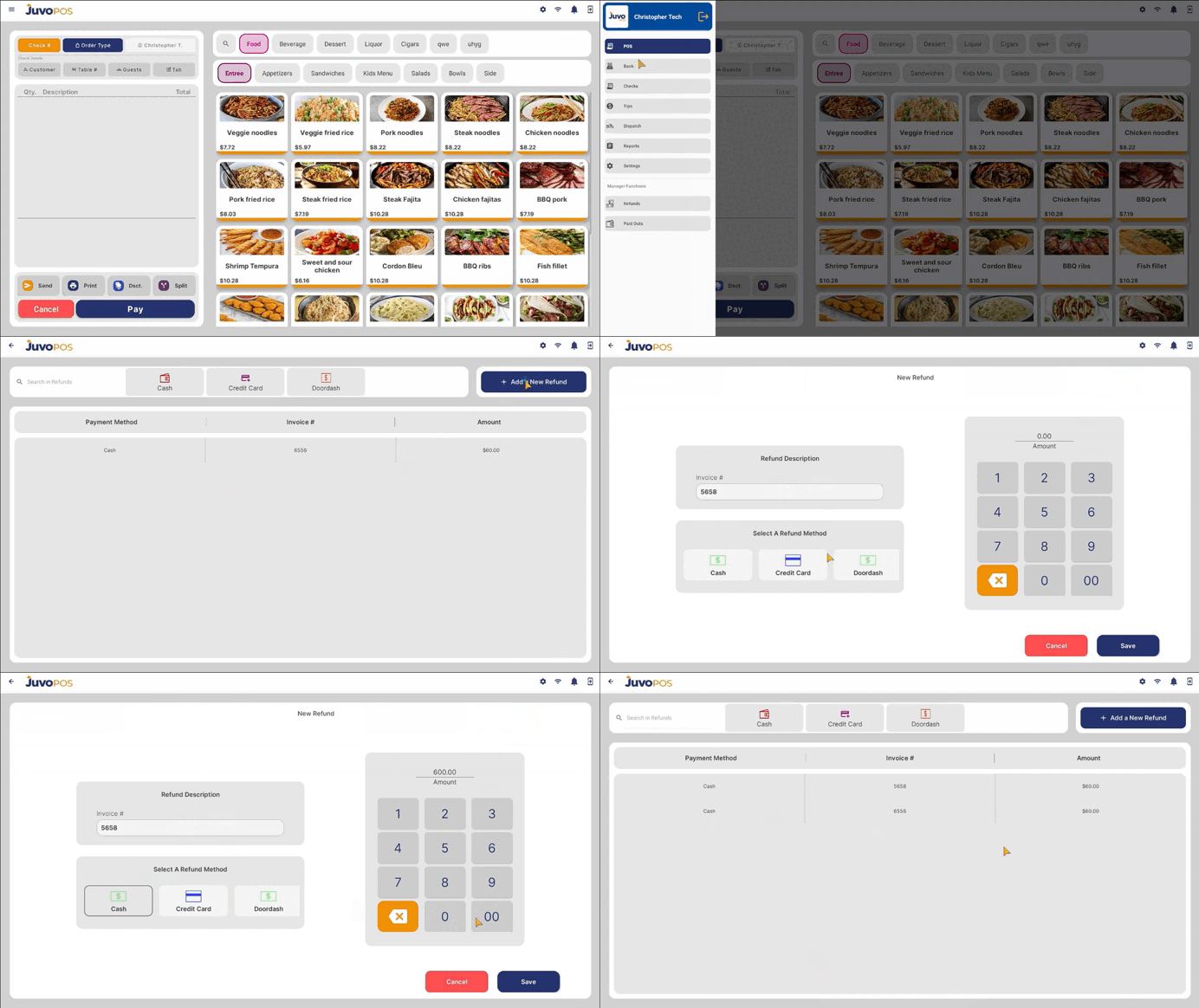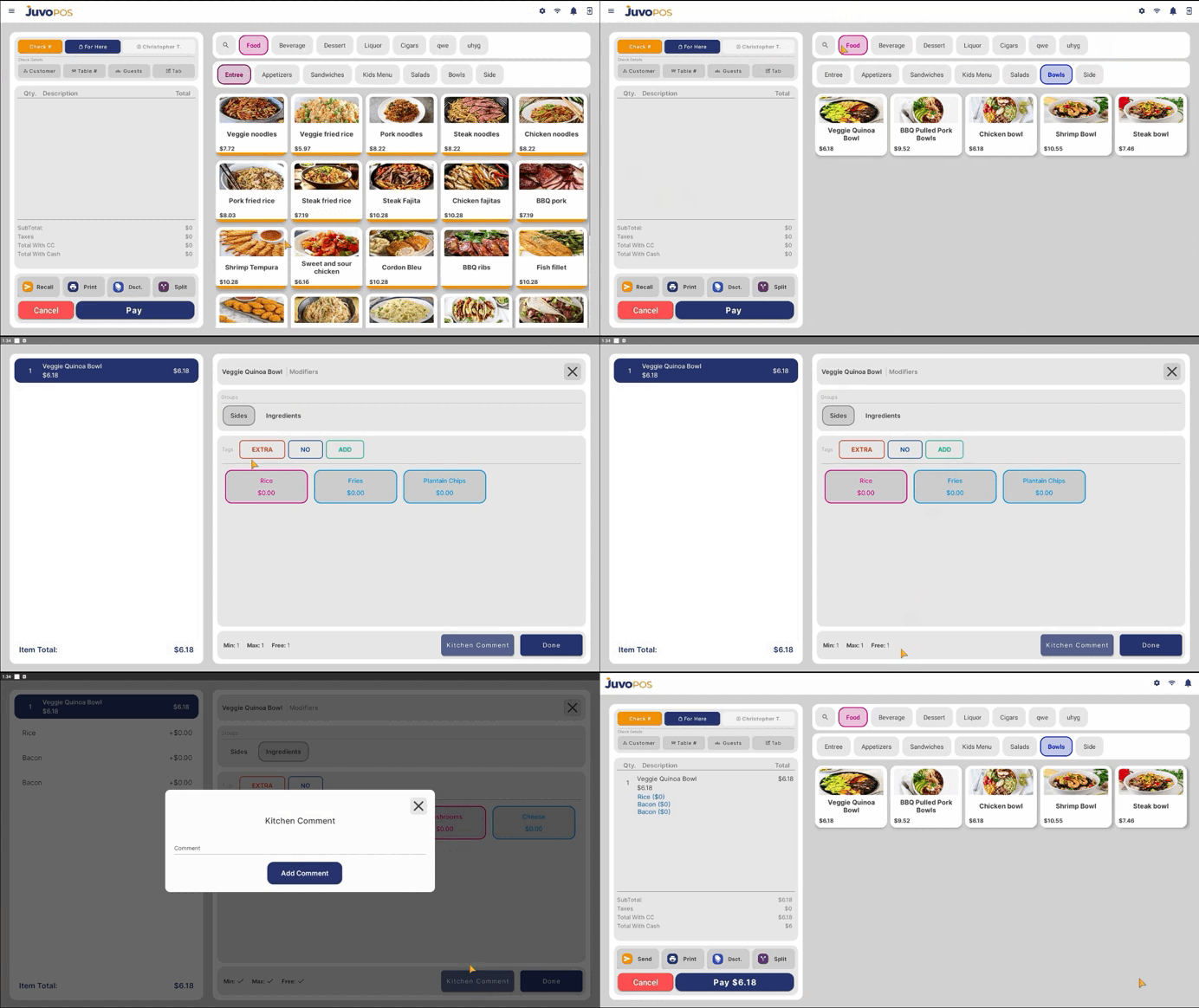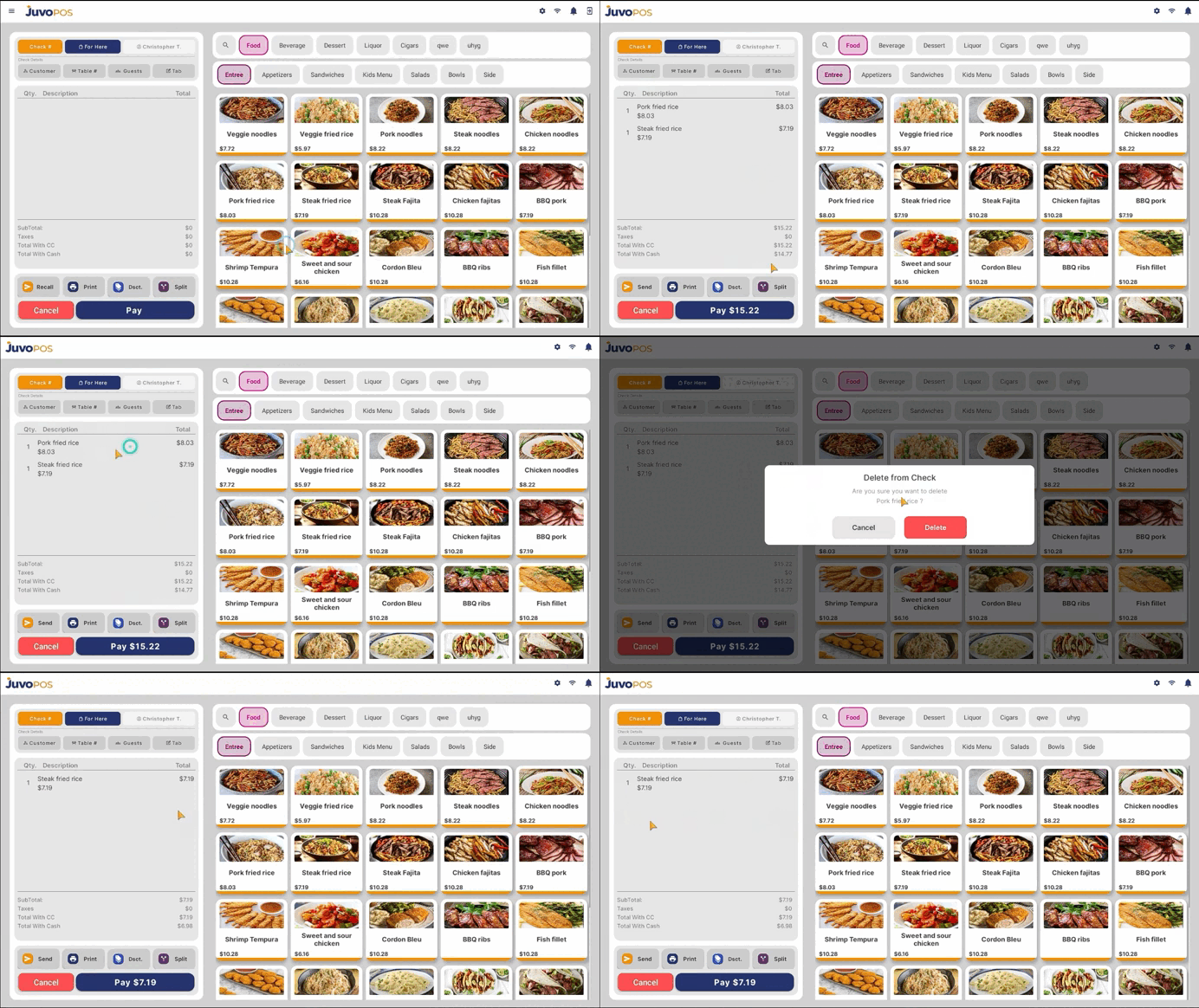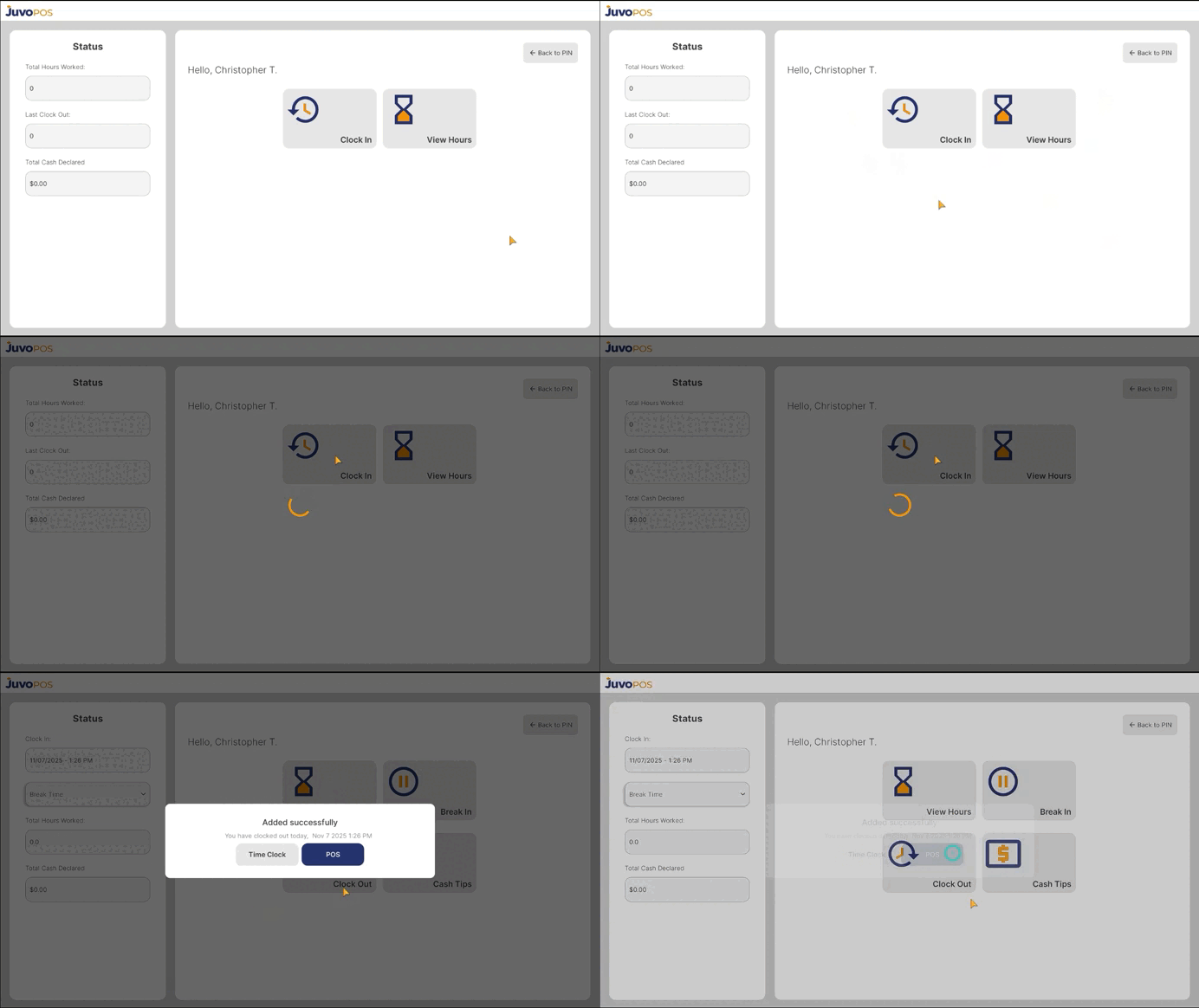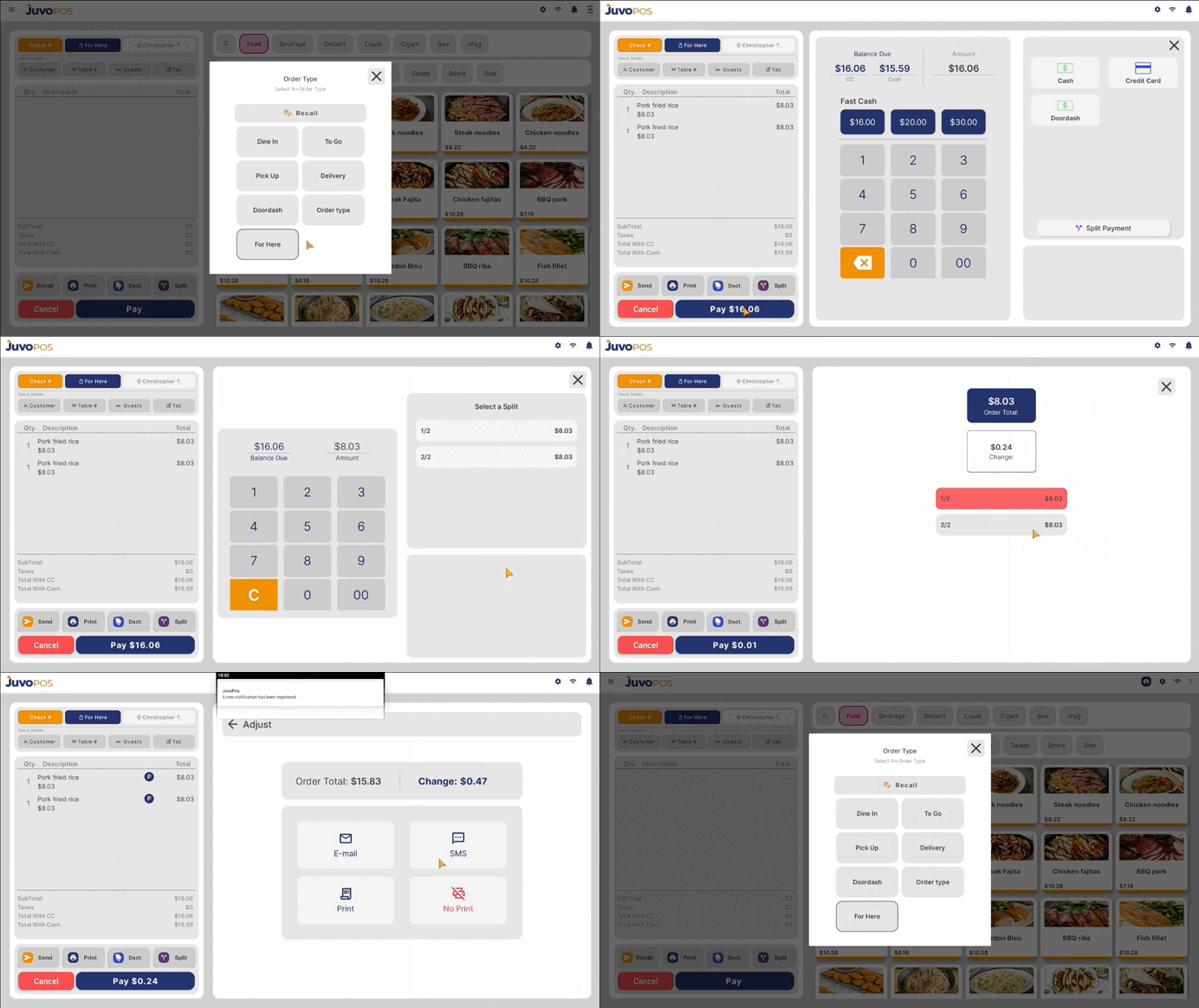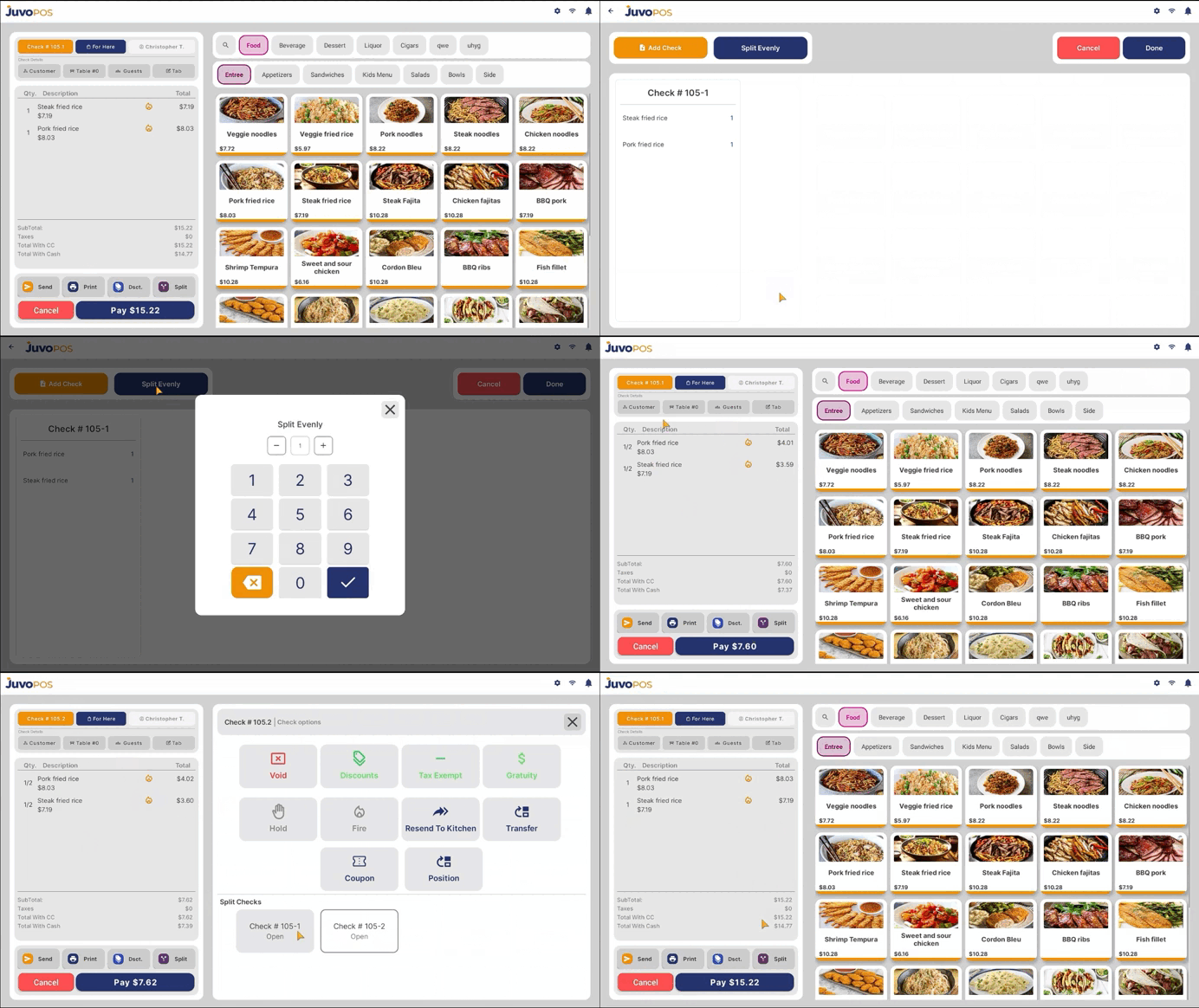
To split an item in the POS:
- Select the item you want to split.
- Tap the Split button.
- Press and hold the item until the split option appears.
- Enter the number of splits you want.
- The item will now be split into the selected number of portions.
If you want to move items to other checks:
- Tap Add Check to create another check.
- Drag and drop the items to the desired check.
- You can verify that the items were split correctly by switching between the different checks.
The items are now successfully split between the checks.