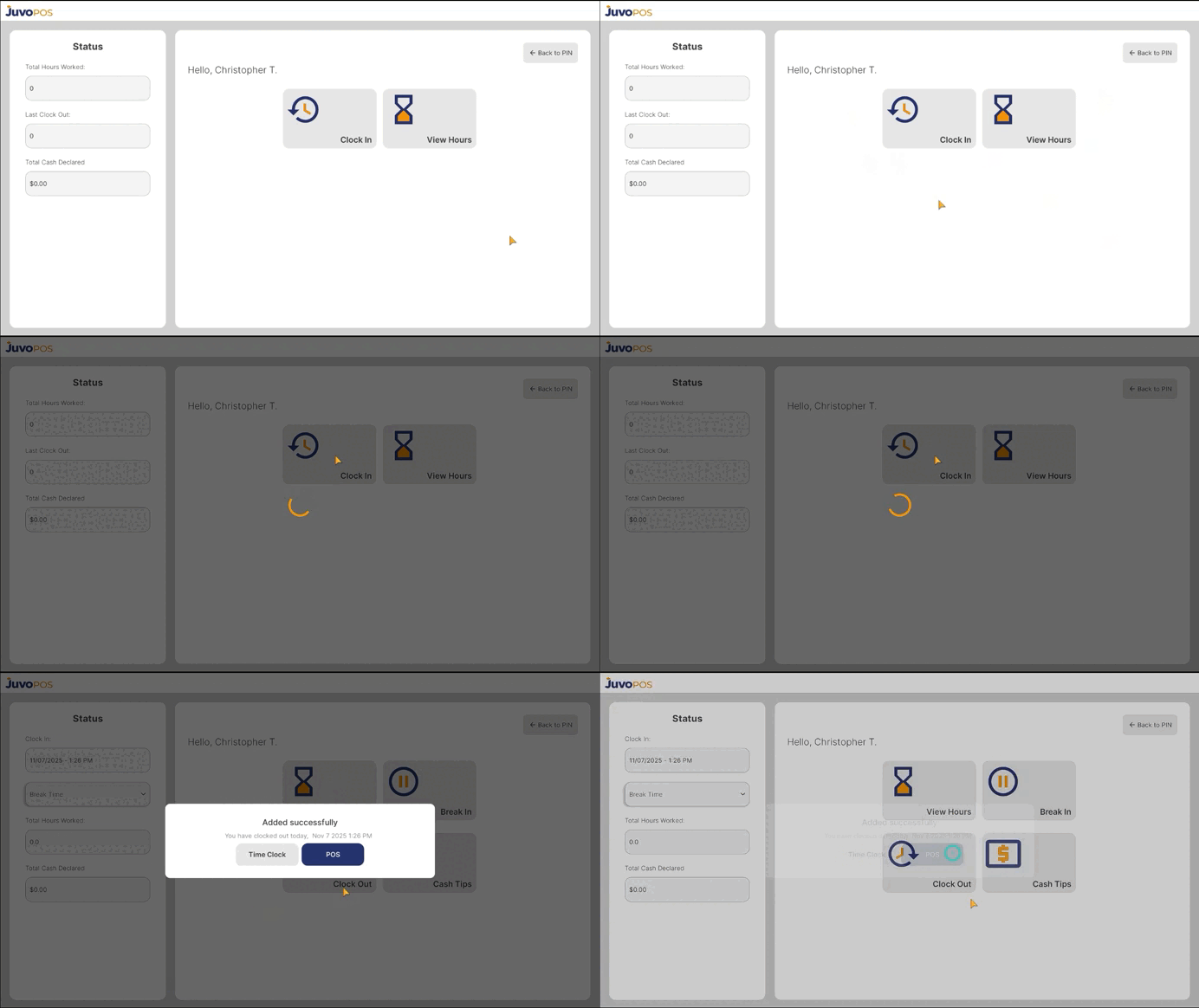
In this guide, we will learn how to clock in to Juvo POS and start your work shift.
- From the main POS screen, enter your employee PIN.
- Tap the Check button to access the available employee options.
- Select Clock In, View Hours, or View Schedule.
- Choose Clock In to register the start of your shift.
- Wait a few seconds for the system to process your request. Once completed, you will be successfully clocked in to the POS system.
Clocking in through Juvo POS allows you to record the beginning of your shift and helps maintain accurate employee timekeeping records.
Juvo destinations
Need something else?
Access the Juvo Back Office or connect with our sales team.