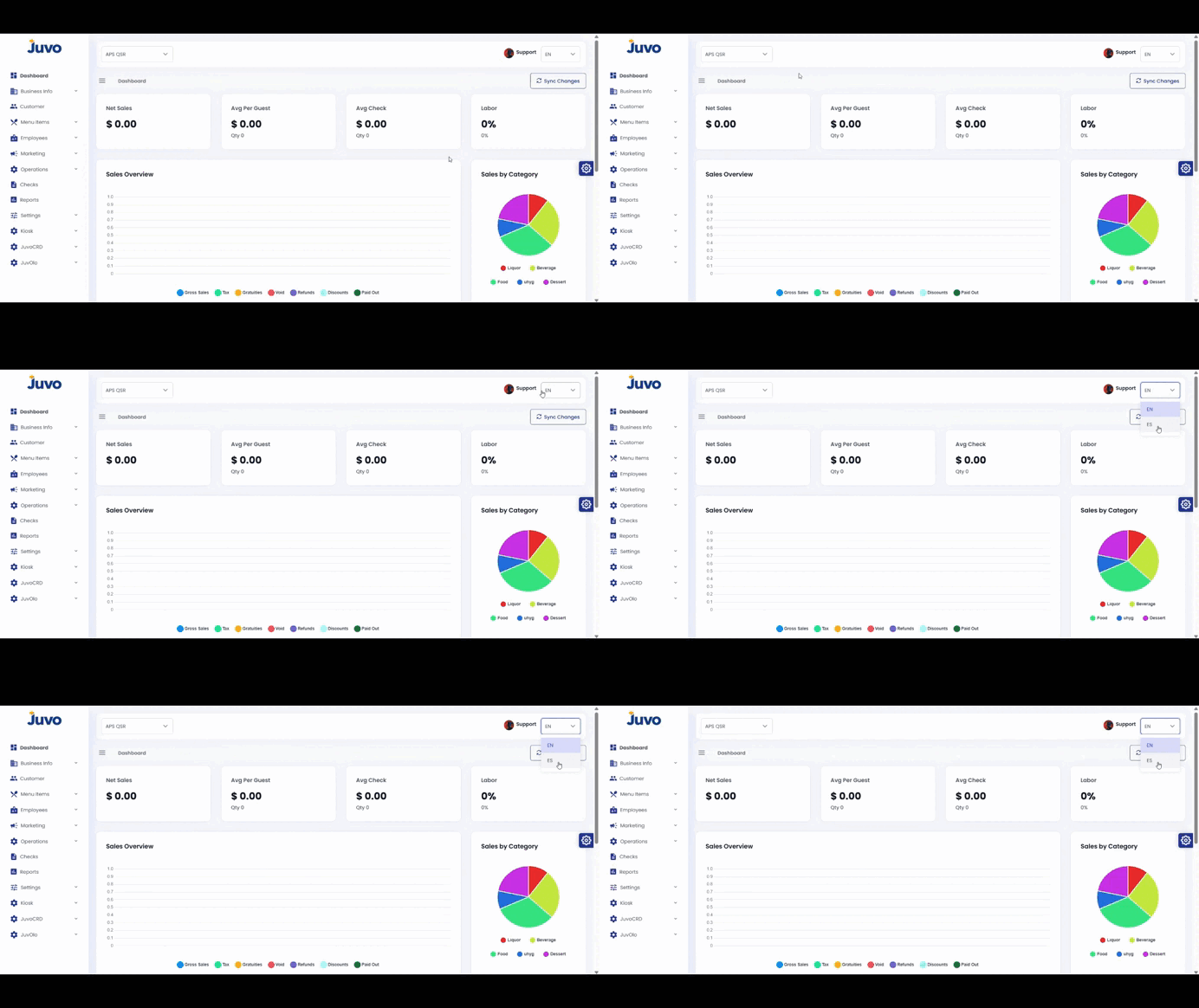
Change the display language in Juvo Back Office.
- Log in to Juvo Back Office.
- Go to the top-right corner next to your profile.
- Click the language option.
- Select your preferred language.
- Verify that the interface changed.
Juvo destinations
Need something else?
Access the Juvo Back Office or connect with our sales team.