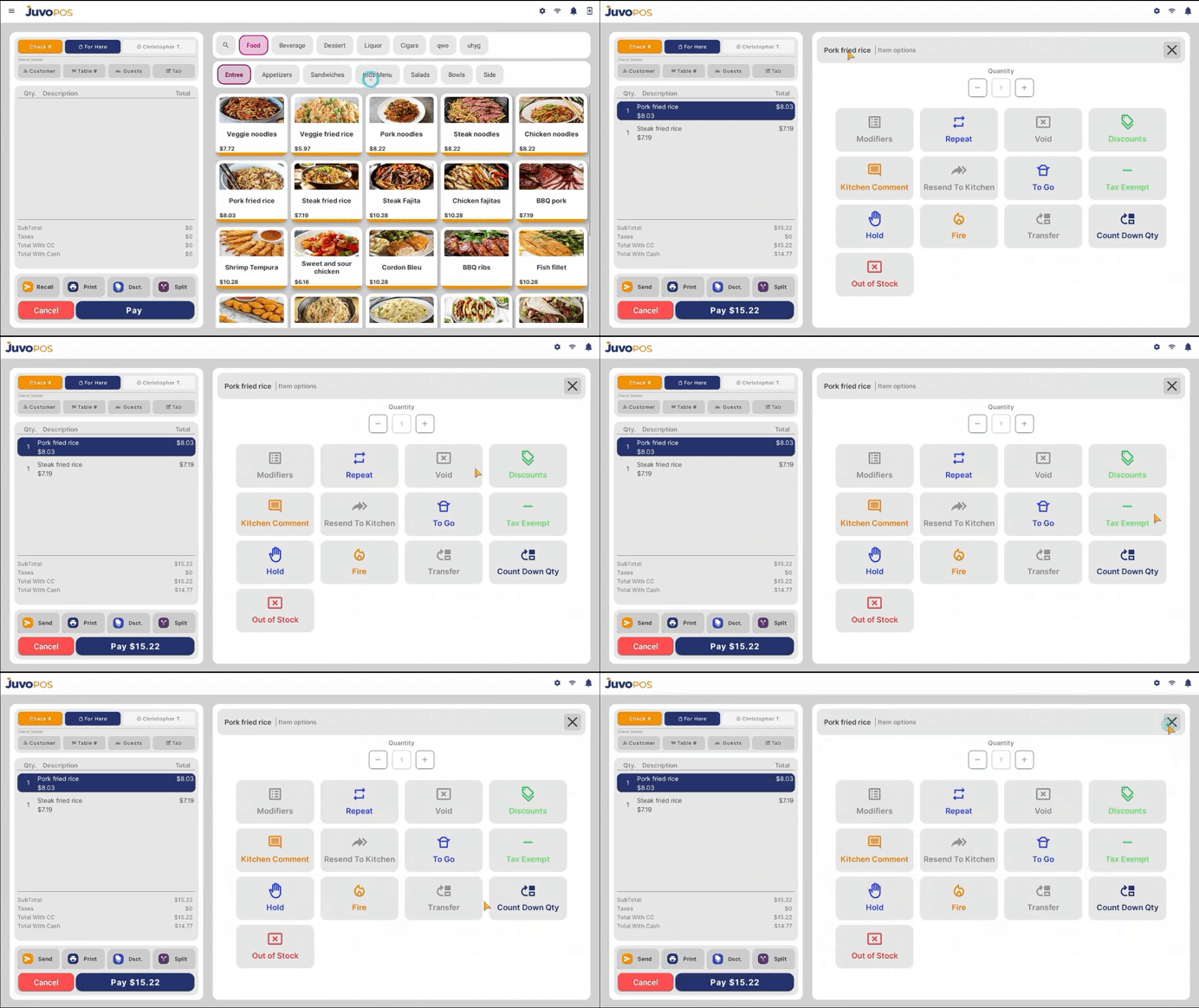
In this guide, we will learn how to access the available options for an item directly from an open check in Juvo POS.
- Open a check and select the item you want to modify.
- Once the item is selected, the available Item Options will be displayed.
- Choose the appropriate option based on your needs. Available options may include:
- Mods: Modify the item’s options or selections.
- Repeat: Add the same item to the check again.
- Void: Remove the item from the check, subject to the applicable permissions and requirements.
- Many more.
These options allow you to manage individual items directly from the check, making it easier to modify orders and handle changes during service.
Juvo destinations
Need something else?
Access the Juvo Back Office or connect with our sales team.