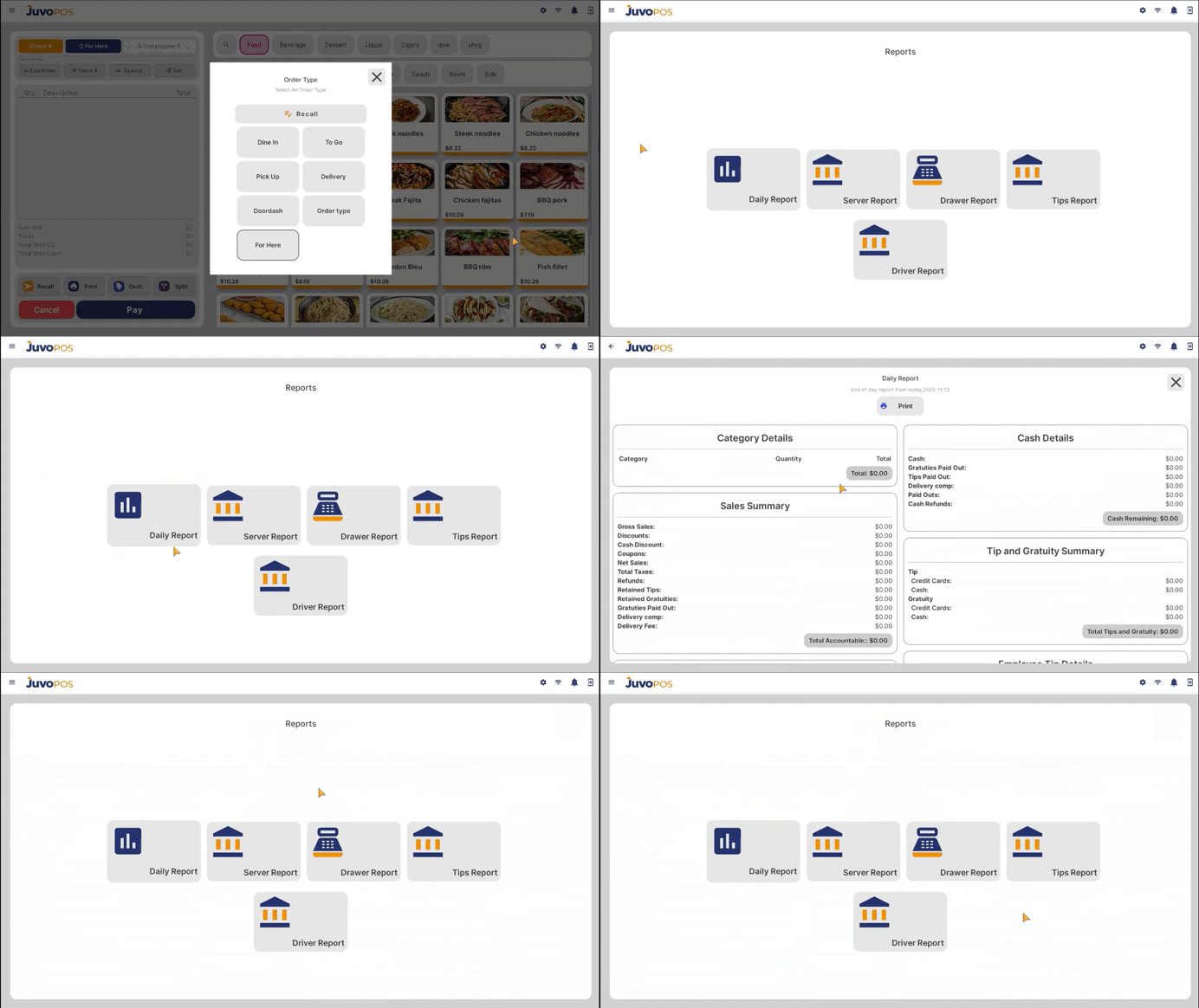
In this guide, we will learn how to access and review daily business reports in Juvo POS.
- From the main POS screen, open the Functions menu.
- Select the Reports section to access the available reports.
- Review your daily business information to monitor your store’s activity and performance.
- If needed, use the available print option to print the report for your records.
Juvo POS makes it easy to access your daily business reports directly from the POS, helping you review important business information and keep track of your daily operations.
Juvo destinations
Need something else?
Access the Juvo Back Office or connect with our sales team.