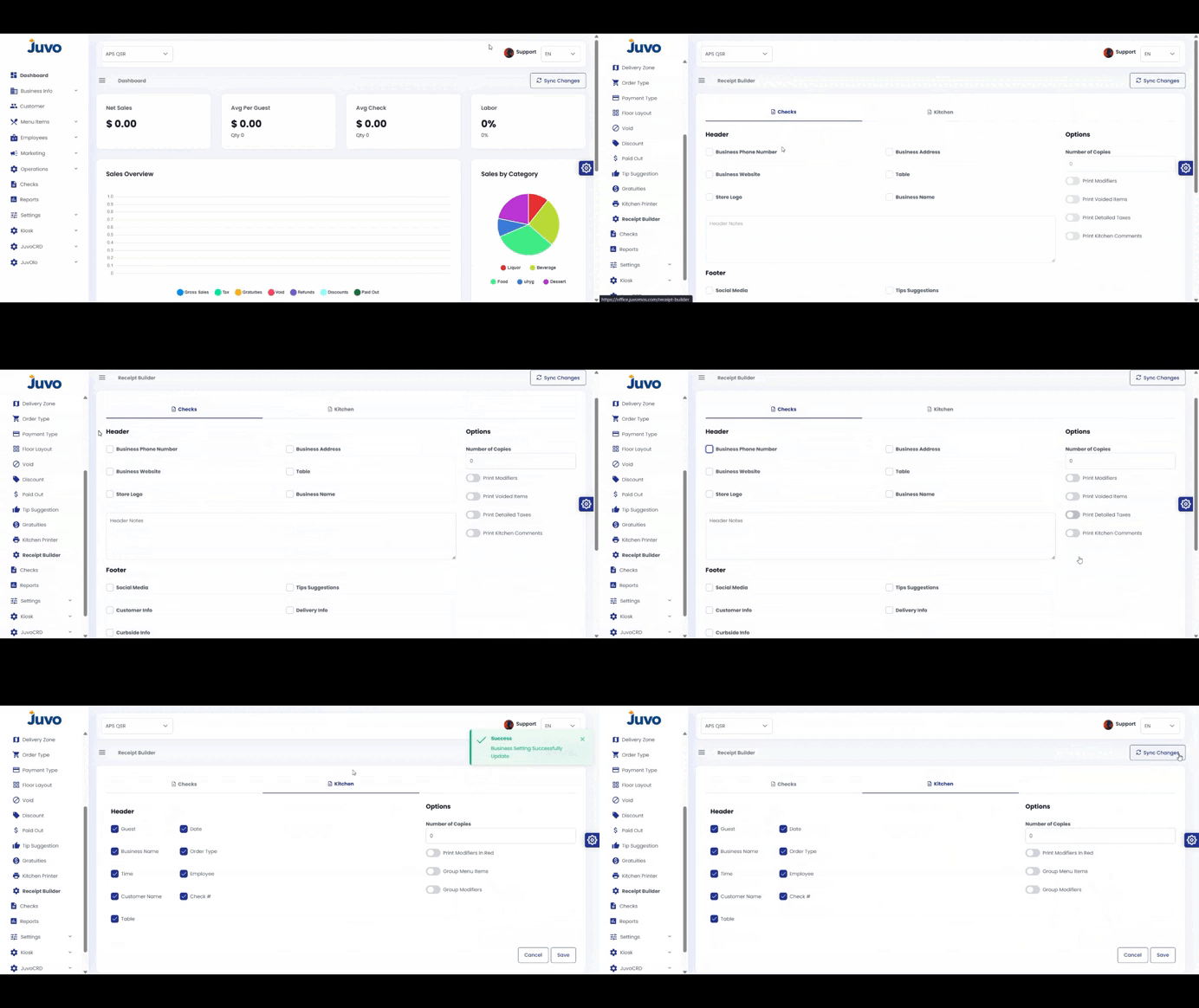
Customize check receipts and kitchen receipts.
- Open Operations → Receipt Builder.
- Choose Check Receipt or Kitchen Receipt.
- Click Edit.
- Customize the layout and information.
- Review the Preview.
- Click Save.
Juvo destinations
Need something else?
Access the Juvo Back Office or connect with our sales team.