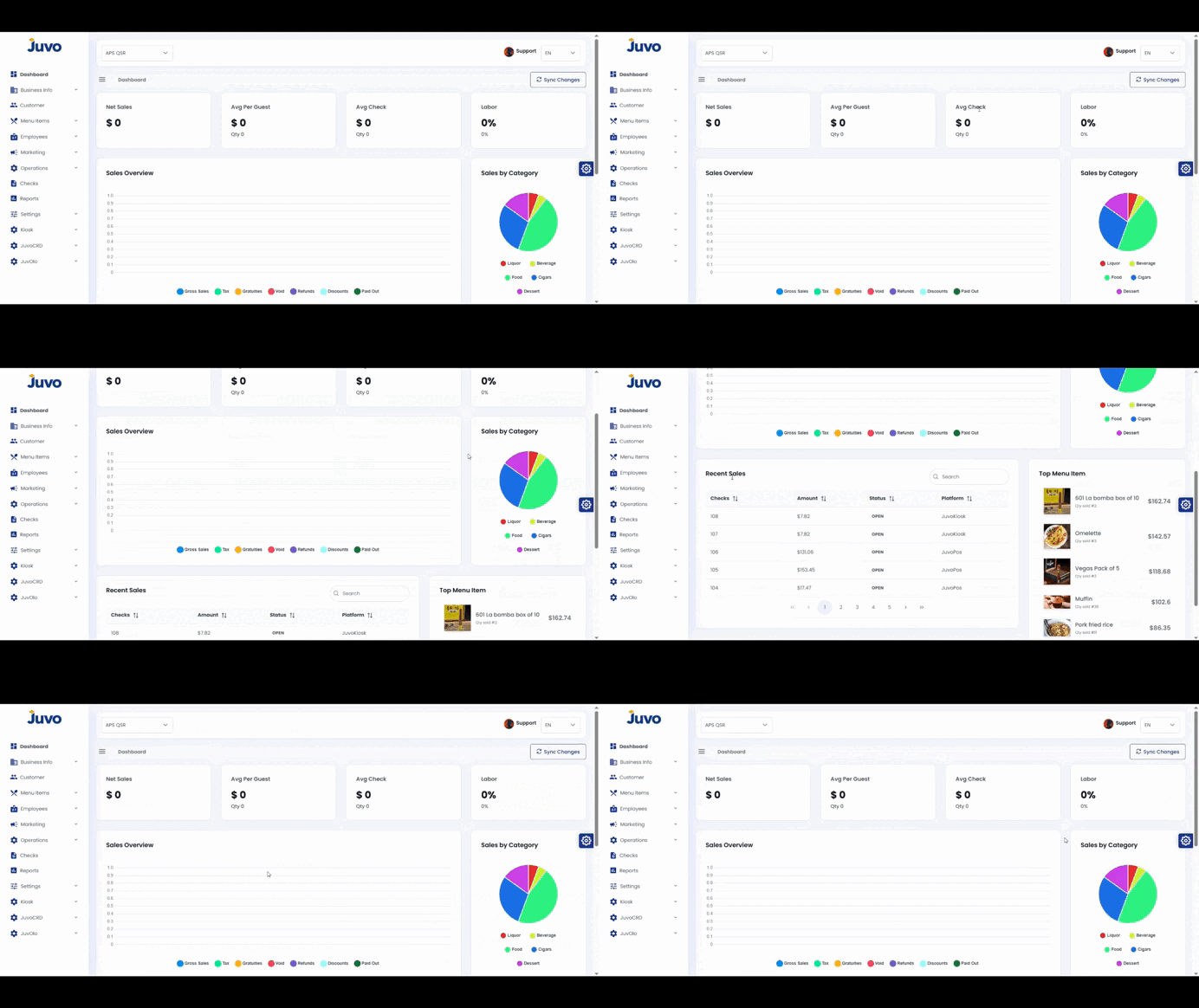
Learn how to navigate the Juvo Back Office Dashboard and review key business indicators.
- Log in to Juvo Back Office.
- Click Dashboard in the left-hand menu.
- Review the key performance indicators and business information.
- Explore the available views and options.
- Use the Dashboard as a quick reference for daily store performance.
Note: Focus on the indicators most relevant to your daily operations.
Juvo destinations
Need something else?
Access the Juvo Back Office or connect with our sales team.