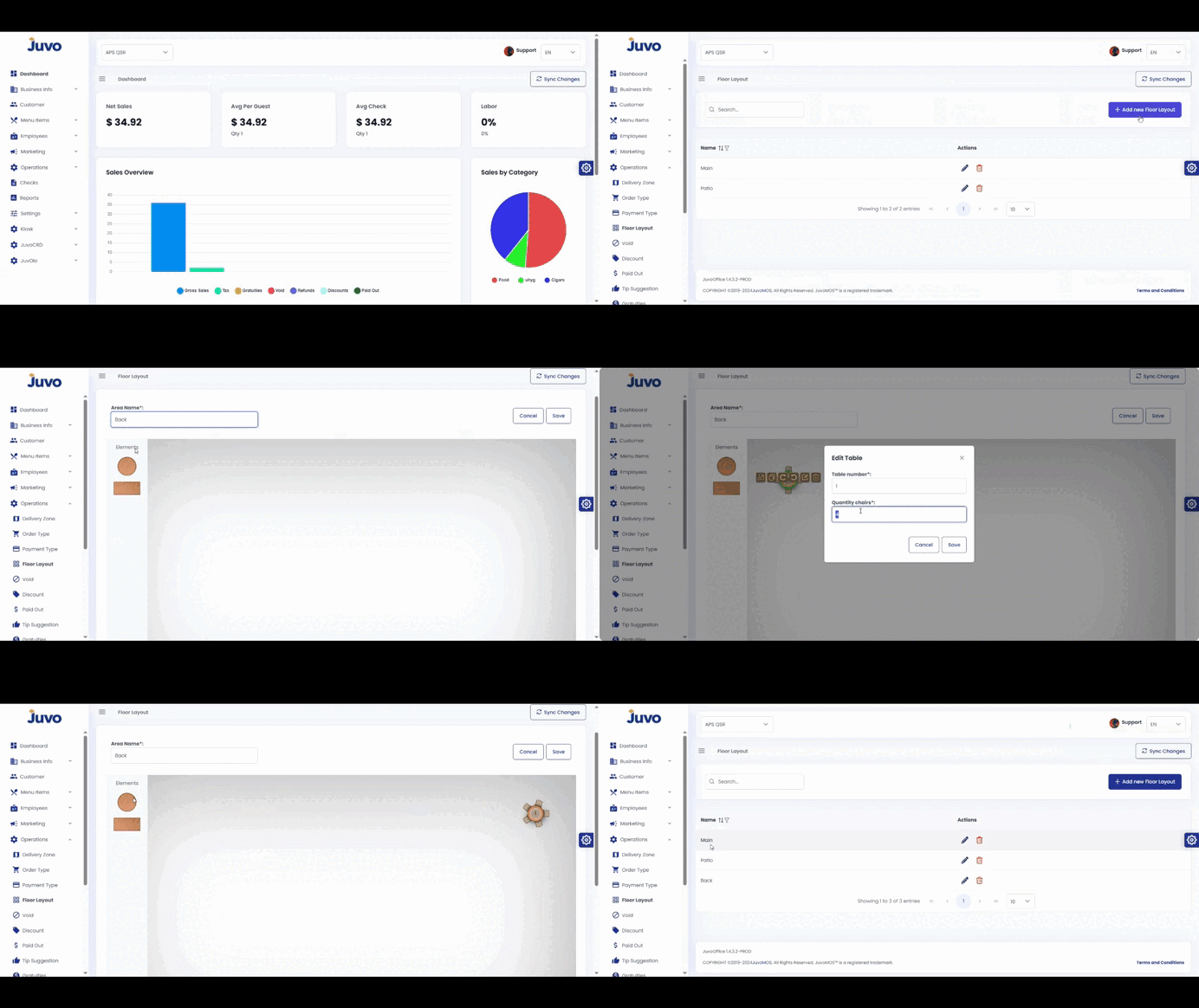
Create a floor layout that matches the physical restaurant.
- Open Operations → Floor Layout.
- Click Add New Floor Layout.
- Enter a name.
- Add figures and edit tables and chairs.
- Drag figures into the correct positions.
- Review and save.
Create a floor layout that matches the physical restaurant.
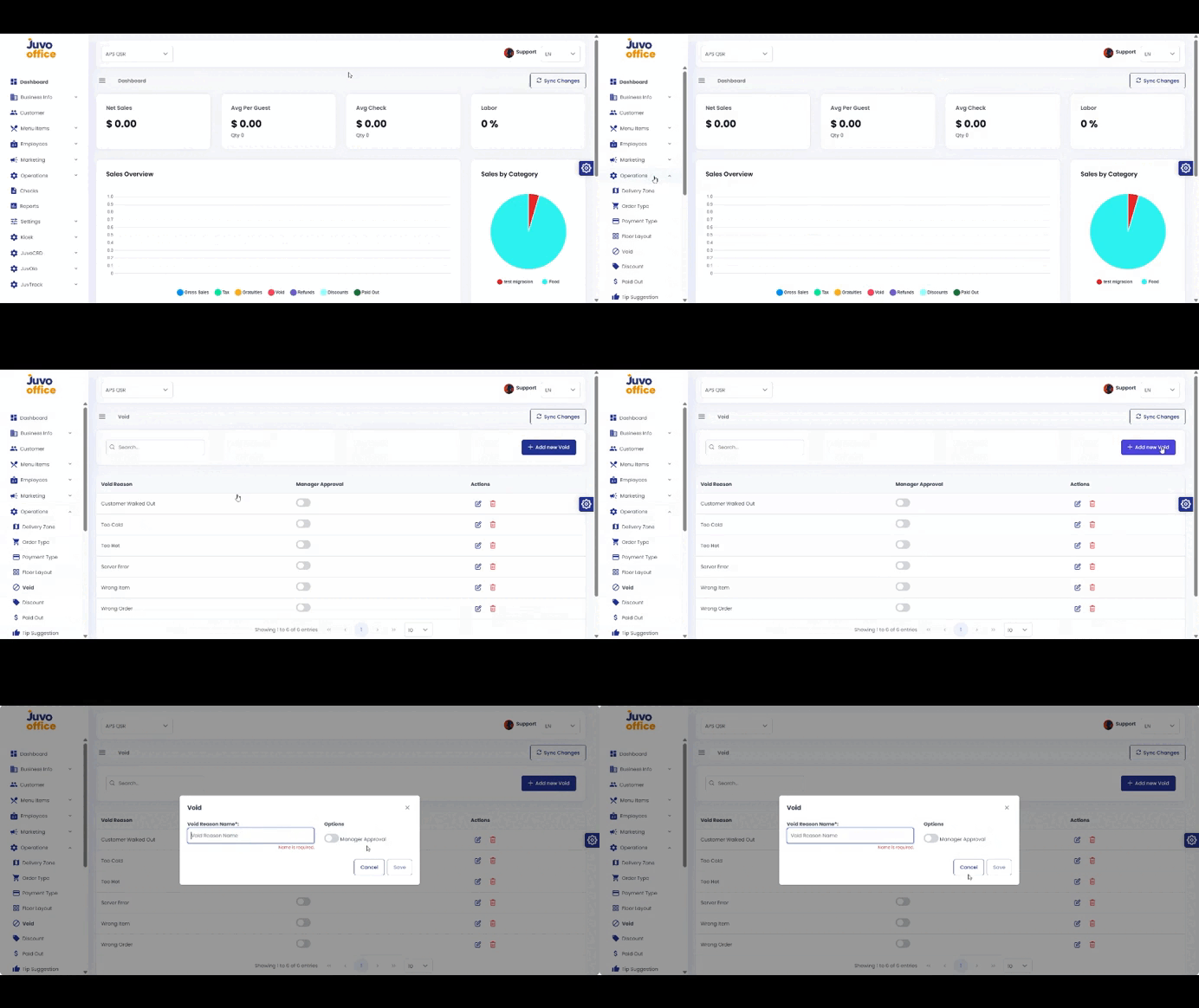
Create reasons staff must select when voiding items or transactions.
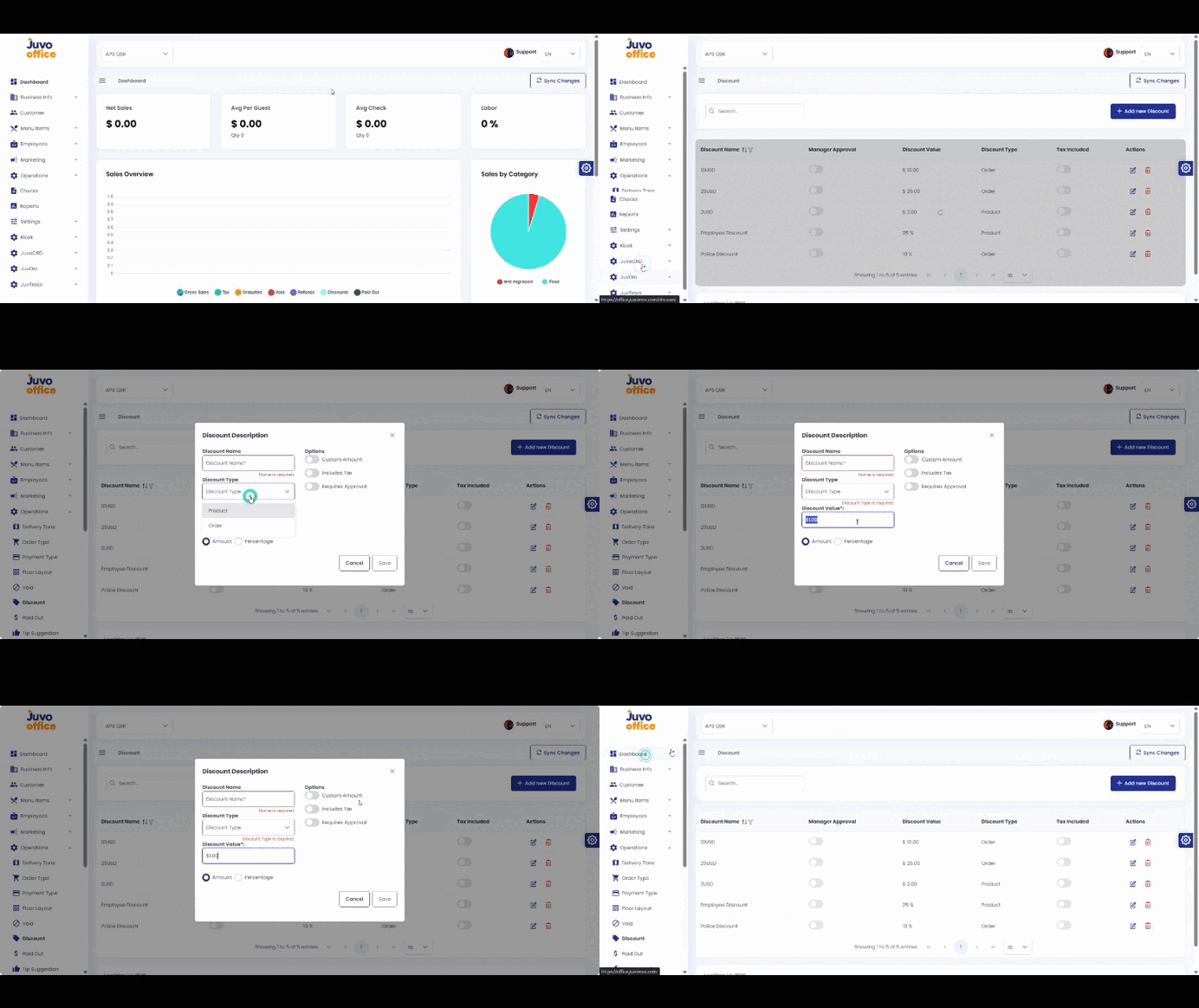
Create discounts for an order or individual item.
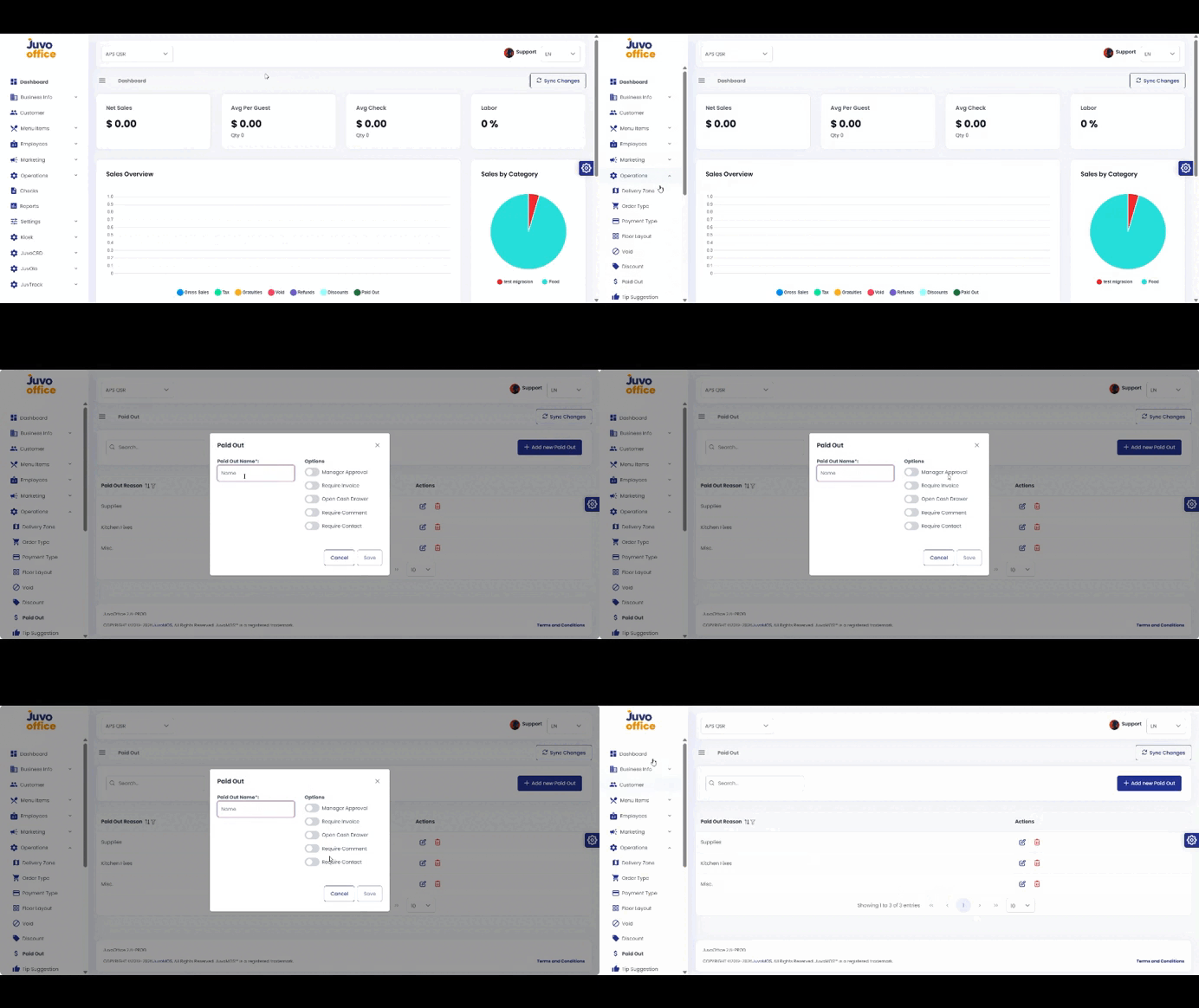
Create Paid Out reasons for money removed from the cash drawer.
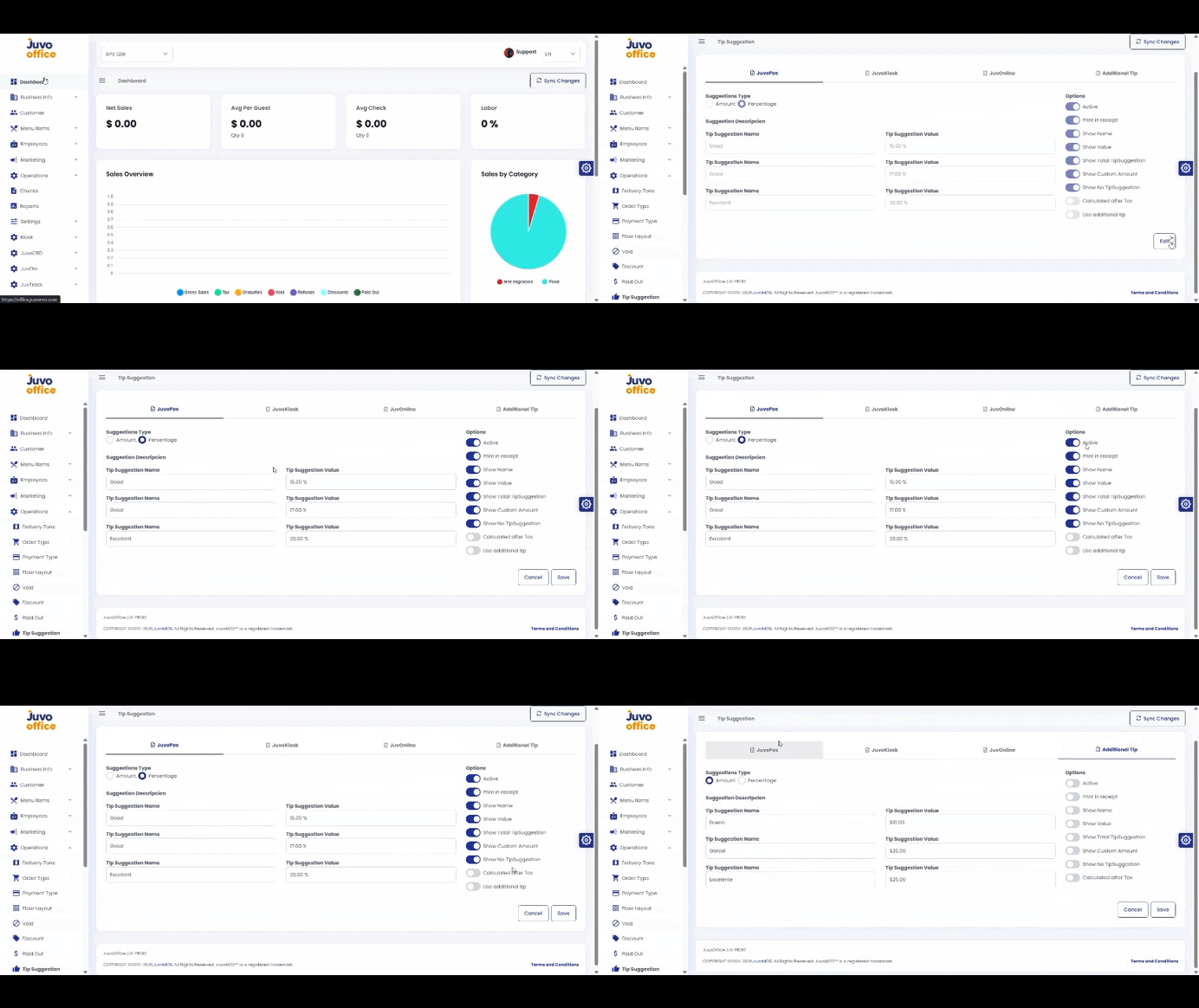
Configure tipping options shown to customers on different platforms.
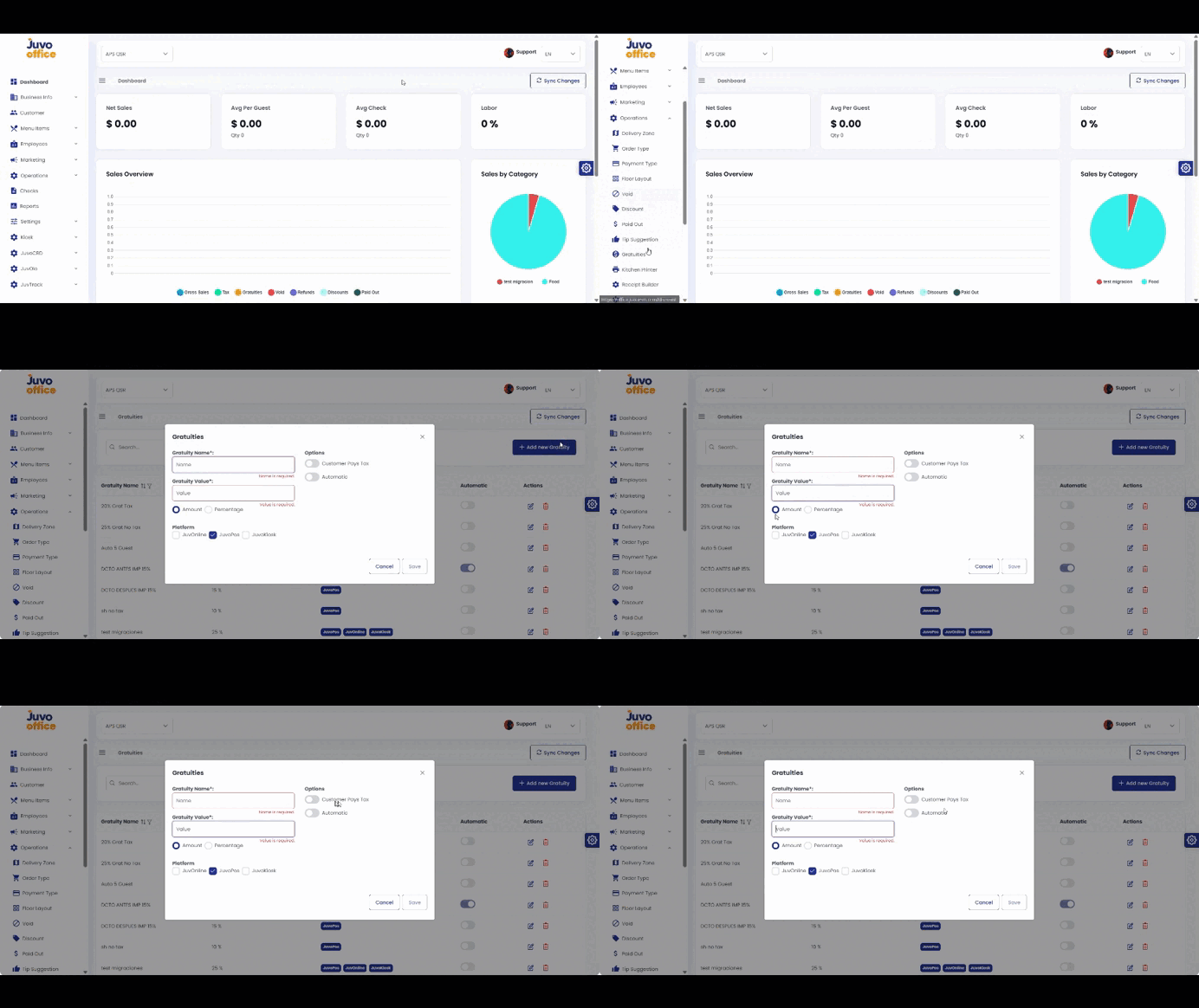
Create gratuities and configure how they apply to orders.
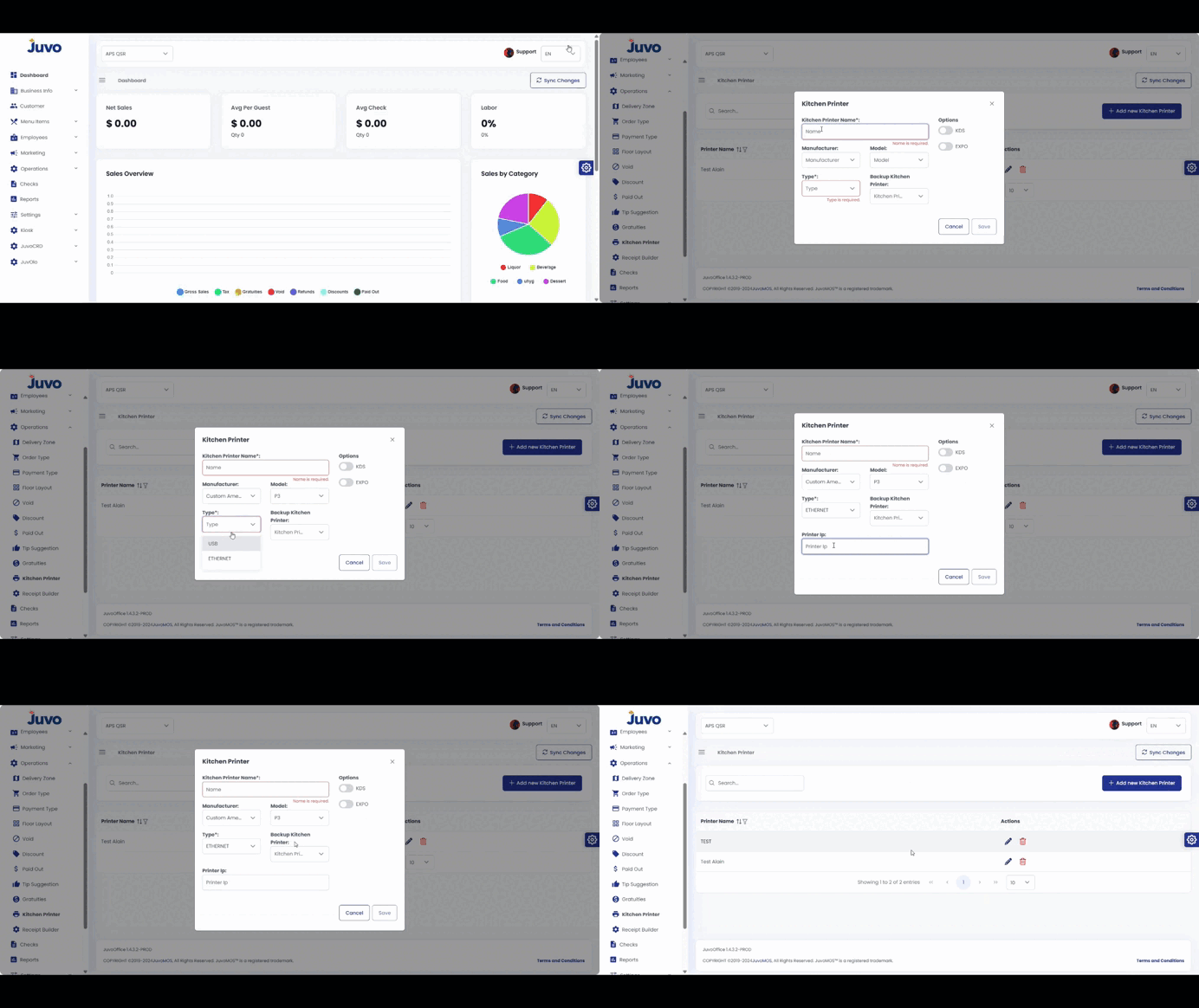
Register kitchen printers and configure backup printers, KDS, and EXPO stations.
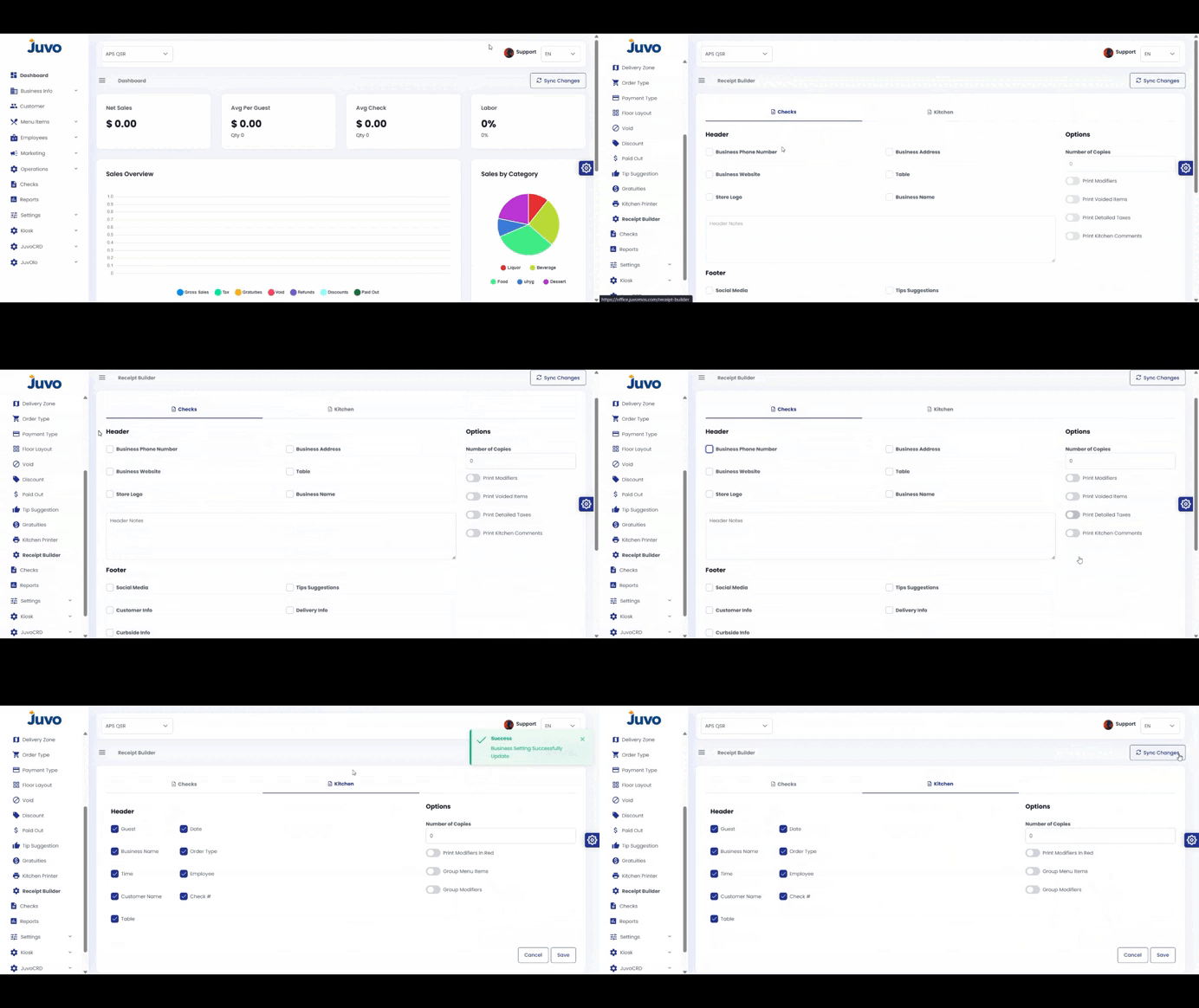
Customize check receipts and kitchen receipts.
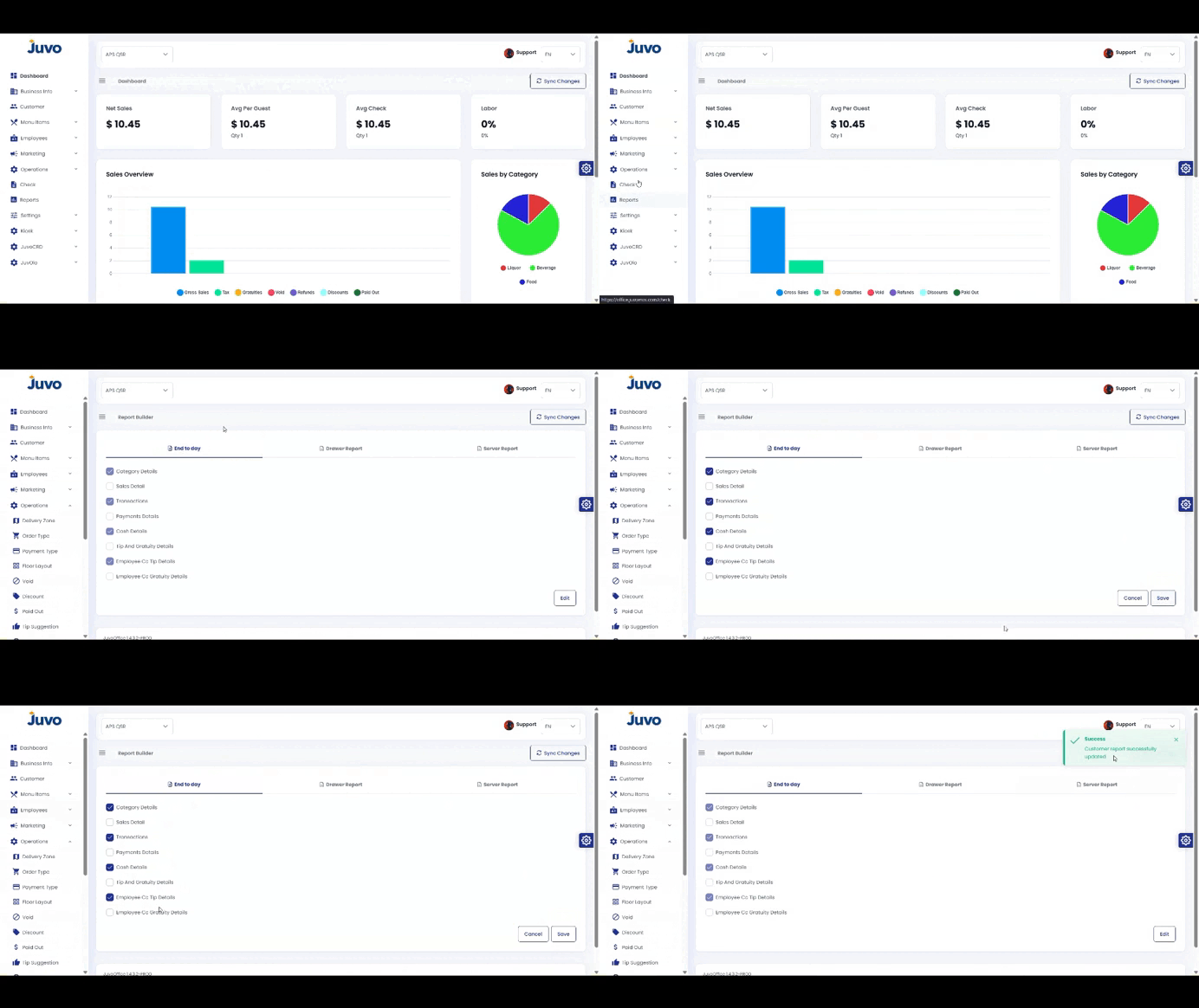
Customize POS reports for daily operational needs.
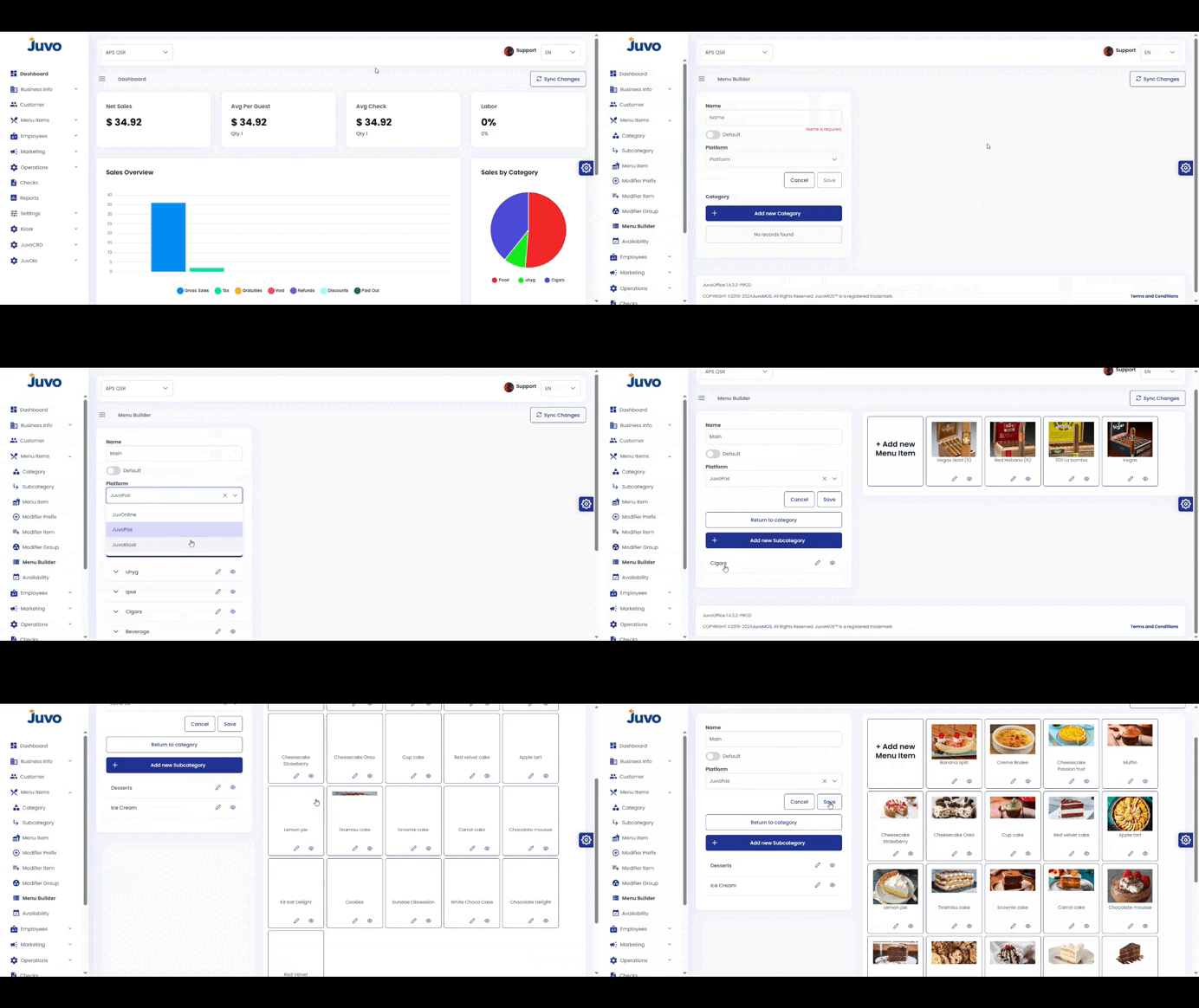
Create and configure a menu item.