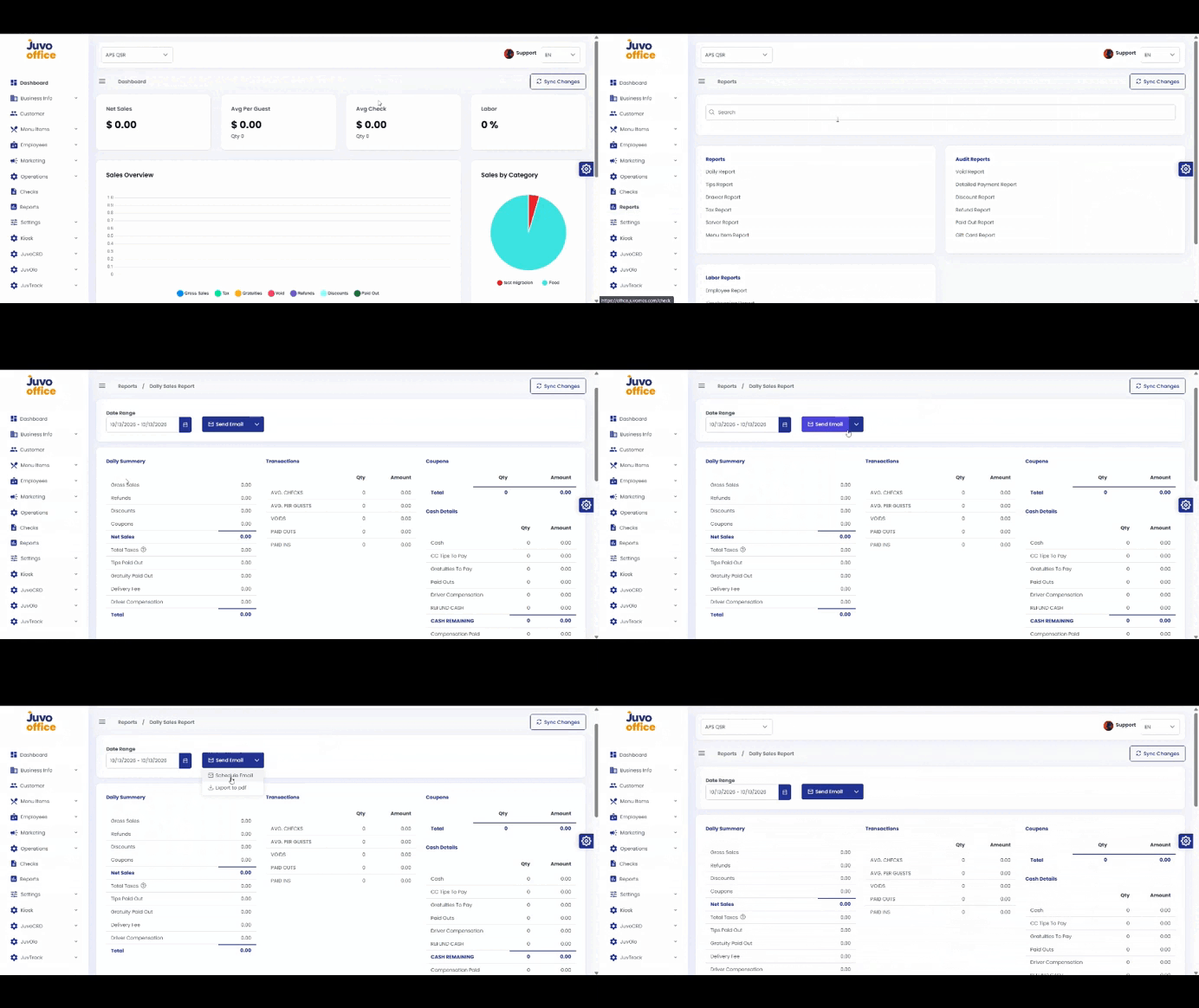
View, email, schedule, or download Back Office reports.
- Open Reports.
- Select a report.
- Apply a Date Range.
- Use Send Email, Schedule Email, or Download PDF when available.
- Verify the date range and settings before exporting.
Juvo destinations
Need something else?
Access the Juvo Back Office or connect with our sales team.