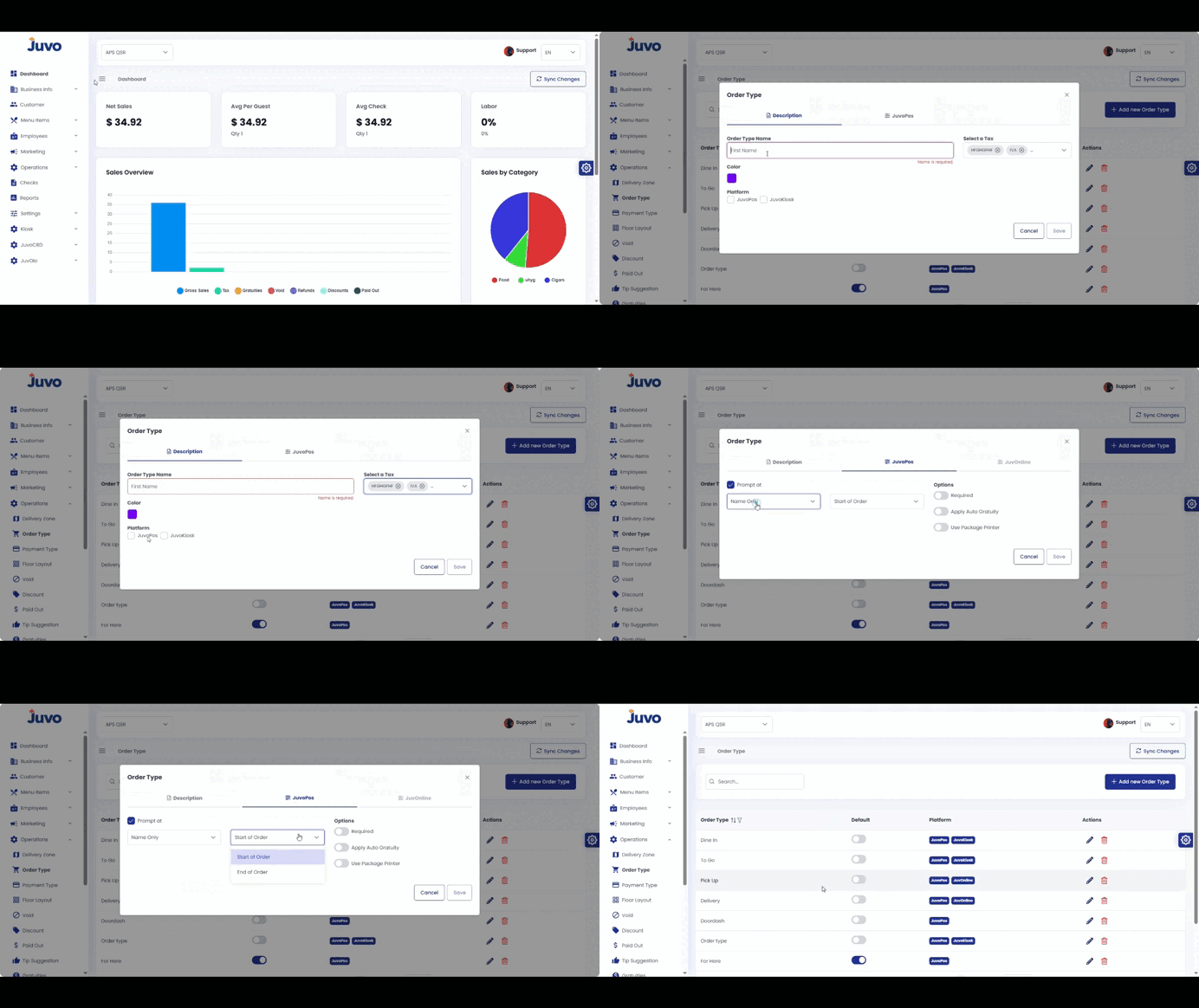
Enable Positions for a specific order type.
- Open Operations → Order Type.
- Open an existing order type.
- Go to the Juvo POS tab.
- Find Options and enable Positions.
- Review and save if required.
Juvo destinations
Need something else?
Access the Juvo Back Office or connect with our sales team.