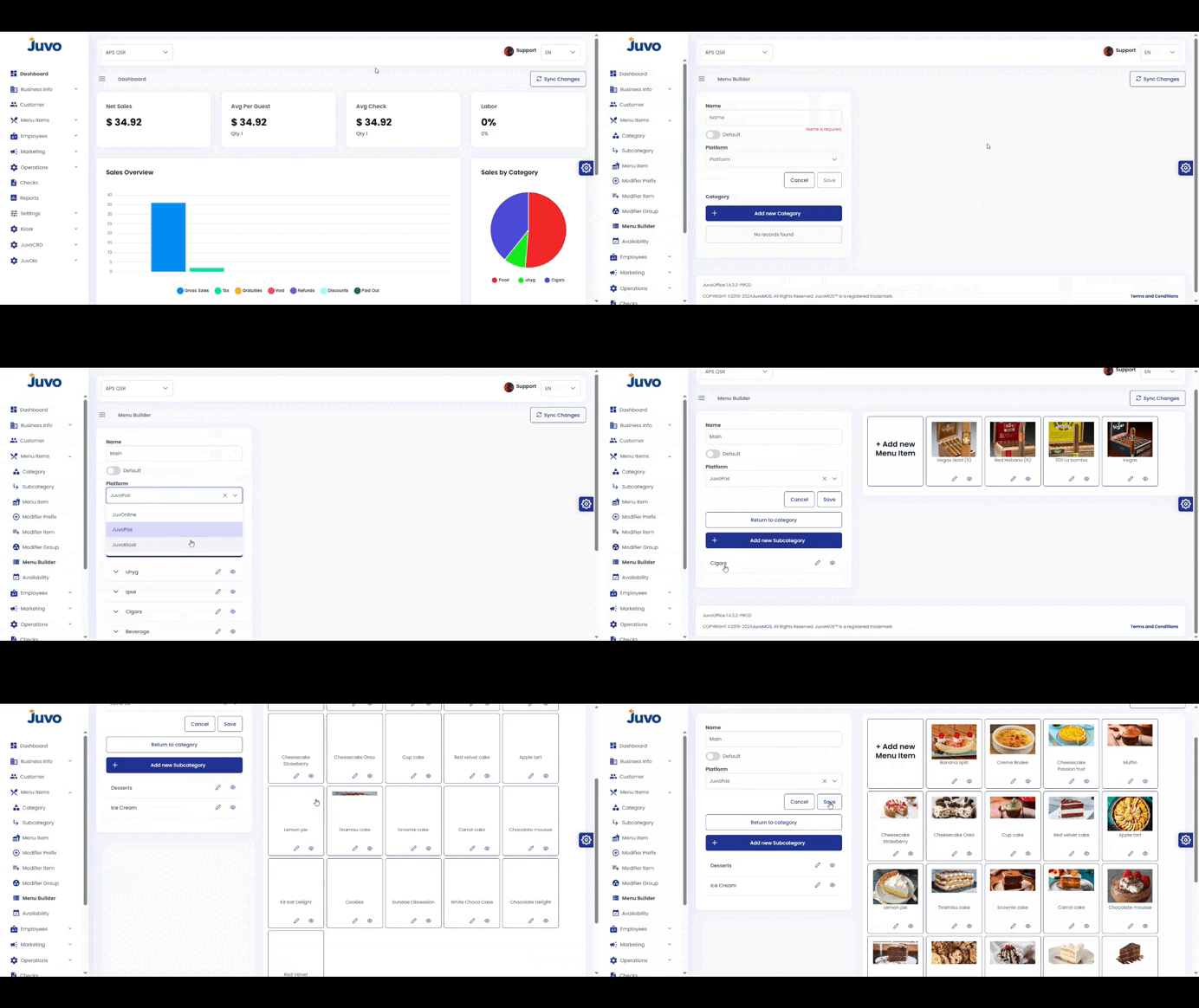
Create and configure a menu item.
- Go to Menu Items → Menu Item.
- Click Add Item.
- Enter the product name, price, category, tax, and optional image.
- Configure suggestive selling items, with up to three suggestions for CDS.
- Configure modifier groups when needed.
- Enable Kiosk or OLO and choose default or specific items when applicable.
- Click Save.
Juvo destinations
Need something else?
Access the Juvo Back Office or connect with our sales team.