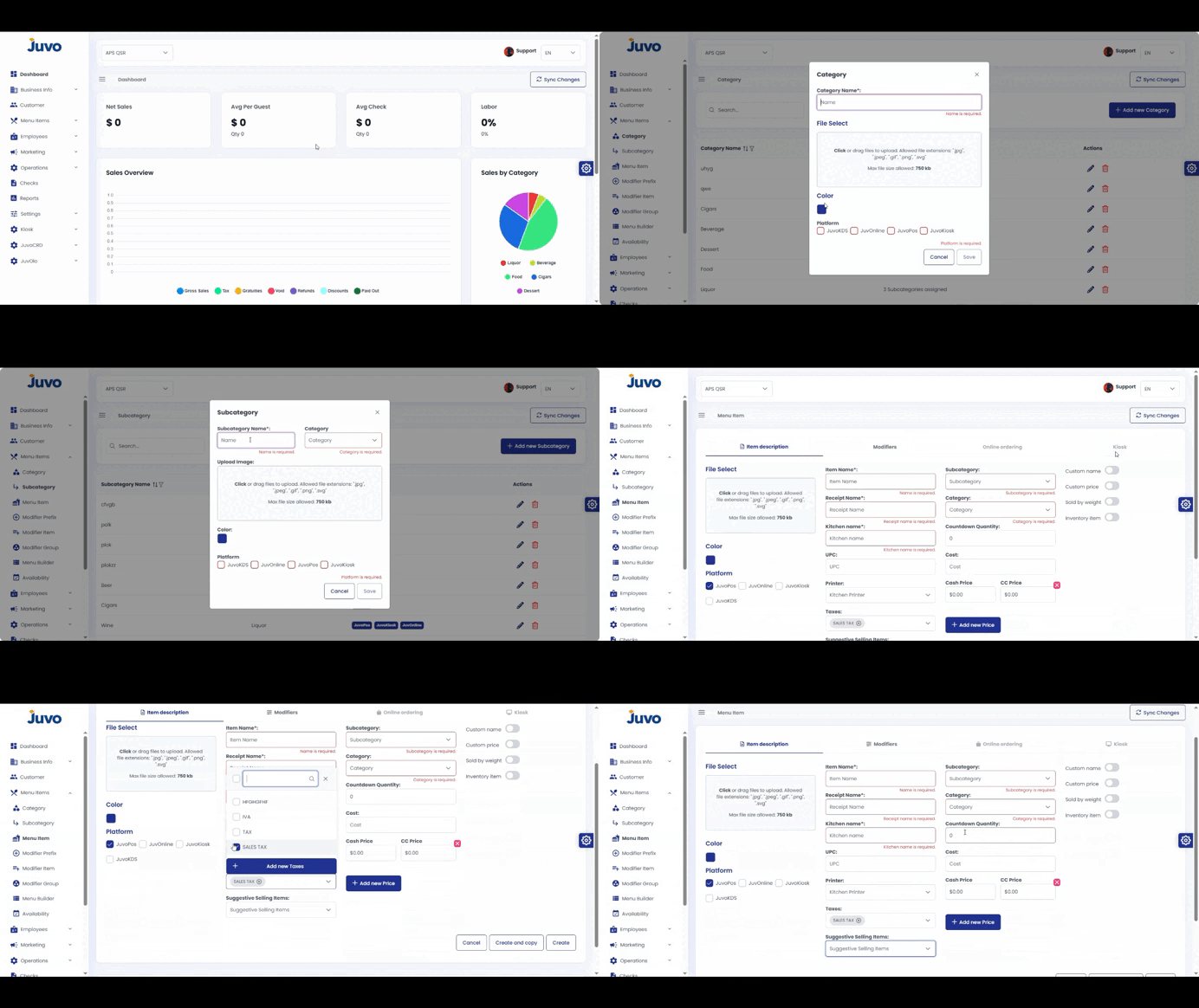
Create menu categories and subcategories.
- Open Menu Items and select Category or Sub Category.
- Click Add Category or Add Sub Category.
- Enter the name, such as Drinks or Food.
- Click Save.
- Repeat as needed.
Juvo destinations
Need something else?
Access the Juvo Back Office or connect with our sales team.